
Generador de videos de cuentos preescolares con IA para historias seguras y listas para el aula
¿Planeas cuentos para la hora del círculo, aventuras fonéticas o una serie suave de "lección del día"? Crea relatos para la hora del círculo, lecciones de amabilidad, aventuras de conteo y cuentos cortos para canales infantiles a partir de Scripts que ya contienen la lección. El Generador de videos de cuentos preescolares con IA de Media.io ayuda a maestros y creadores a extraer un esquema editable, guiar personajes amigables, revisar imágenes de guion gráfico y generar un video con narración y Música moldeadas por el Script.
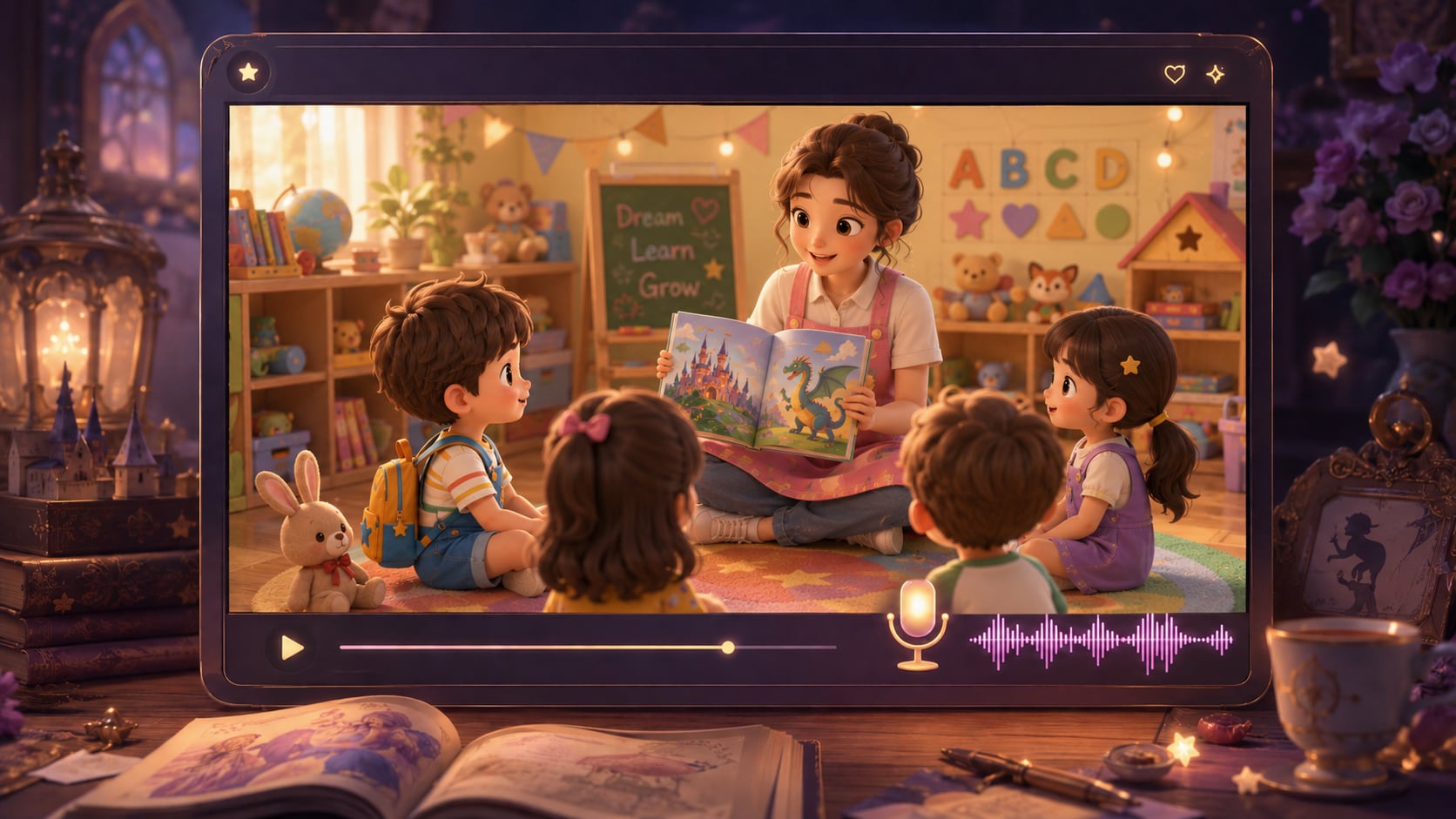
Crea videos preescolares que se sientan hechos para pequeños aprendices
Da forma a cuentos sencillos con visuales cálidos, lecciones claras y un flujo de trabajo que respeta cómo miran los niños pequeños.
Crea escenas suaves que los niños puedan seguir
Construye escenarios cálidos de aula, patio de juegos, hora de dormir o libro ilustrado que apoyen la lección en lugar de distraer de ella. También se adapta a flujos de trabajo de creador de videos de cuentos con IA cuando la audiencia espera escenas específicas por tema.
- Ambiente visual tranquilo - Prioriza escenas Suaves y amigables sobre la acción ruidosa
- Escenarios adaptados a la lección - Relaciona el cuento con aulas, jardines, hogares o áreas de juego
- Ritmo preescolar - Mantén los momentos lo suficientemente simples para que los espectadores pequeños los entiendan
- Dirección de formato - Elige un Diseño que se adapte a pantallas de aula o redes sociales
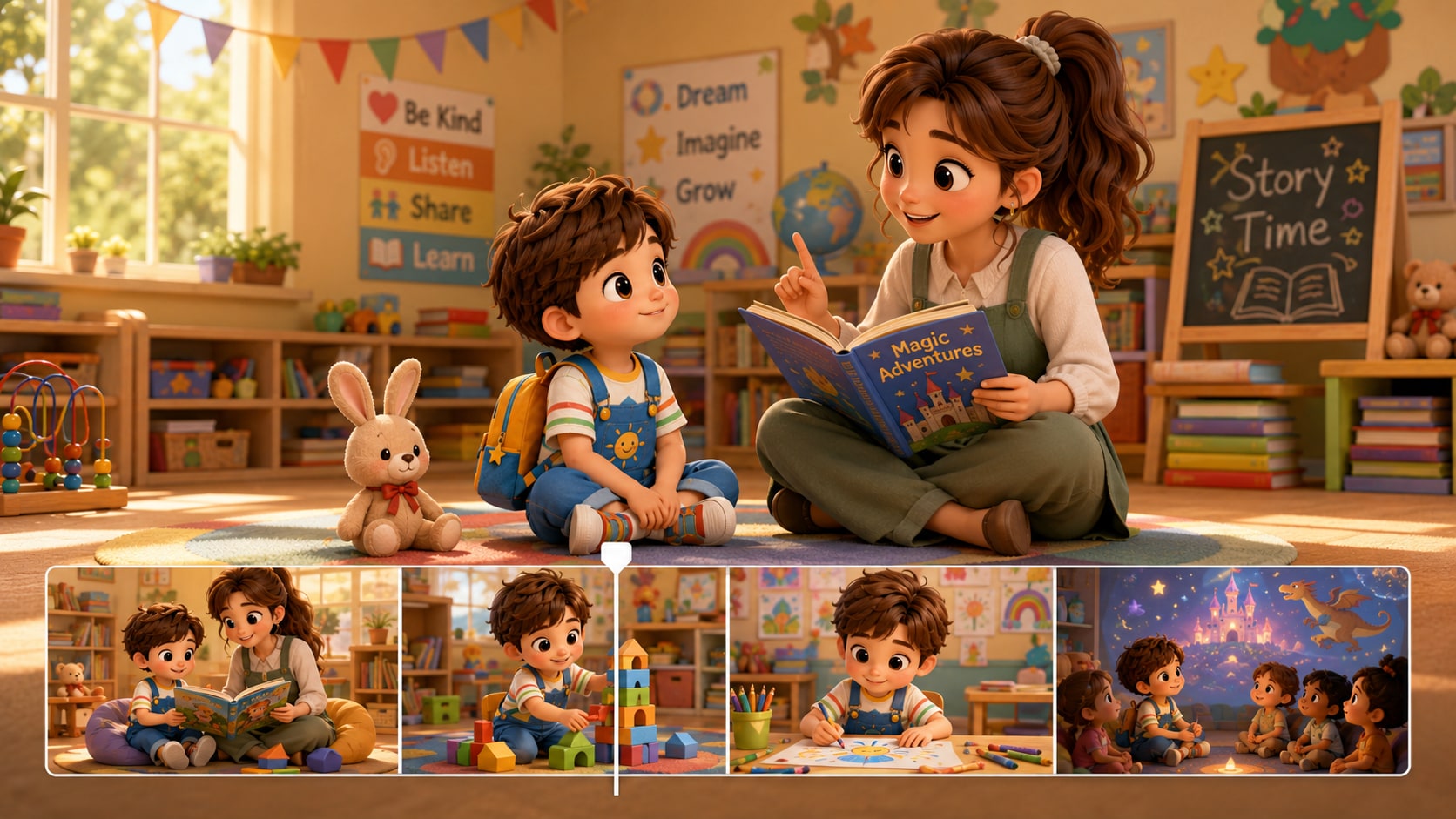
Convierte Scripts de lecciones en esquemas de cuentos claros
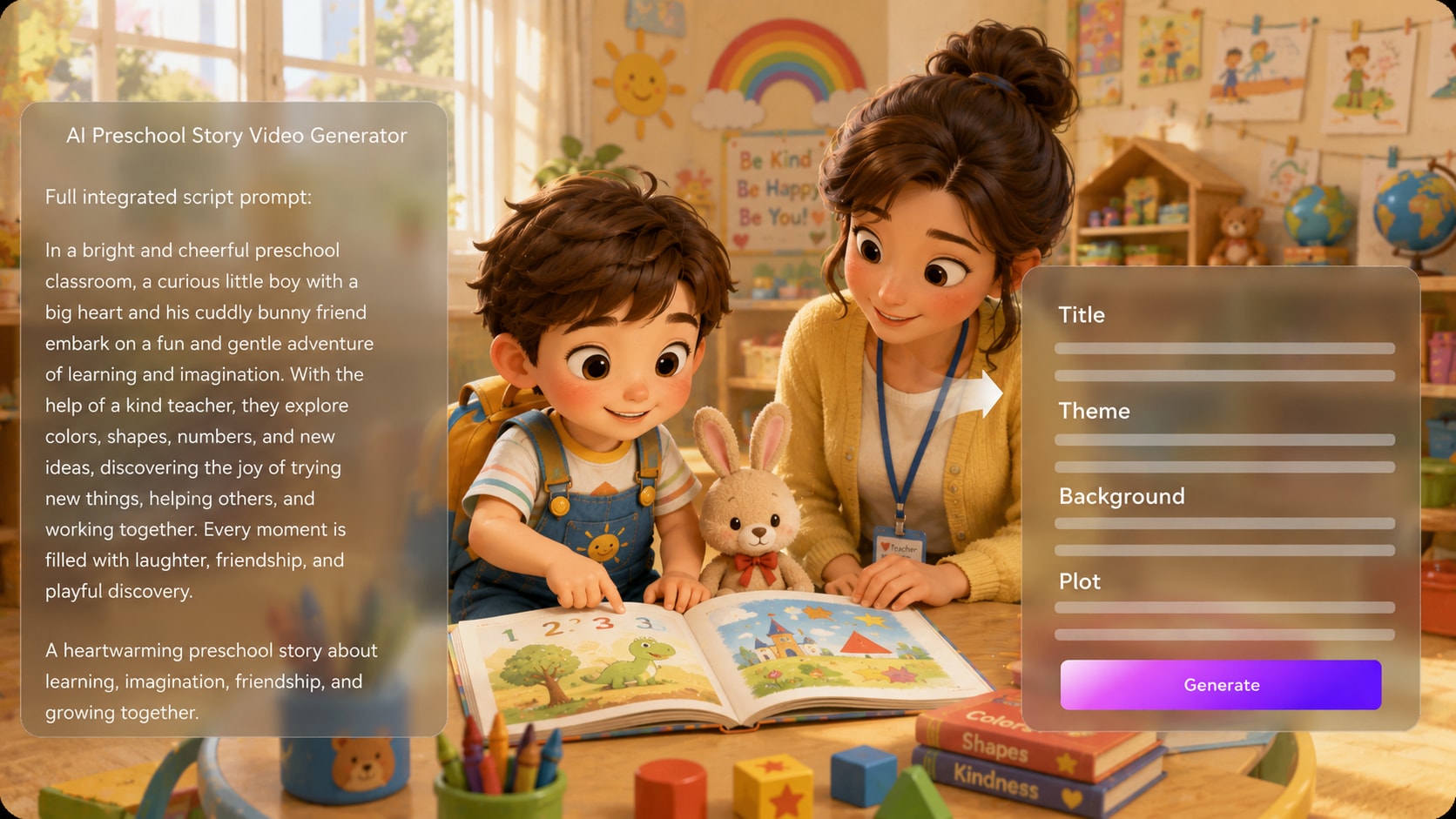
Comienza con un Script detallado o una entrada de cuento estructurada, luego revisa el título, tema, escenario, trama y personajes extraídos antes de crear los visuales. Ese paso de esquema ayuda a un creador de videos de lecciones preescolares a mantener el punto de enseñanza visible de principio a fin.
- Primero el Script - Pega borradores de narración, Notas de lección o escenas completas del cuento
- Esquema editable - Refina el título, tema, fondo, trama y elenco
- Enfoque didáctico - Mantén la moraleja, habilidad o rutina en el centro
- Flujo de escenas más limpio - Reduce clips desconectados antes de que comience la generación
Guía personajes amigables con roles claros
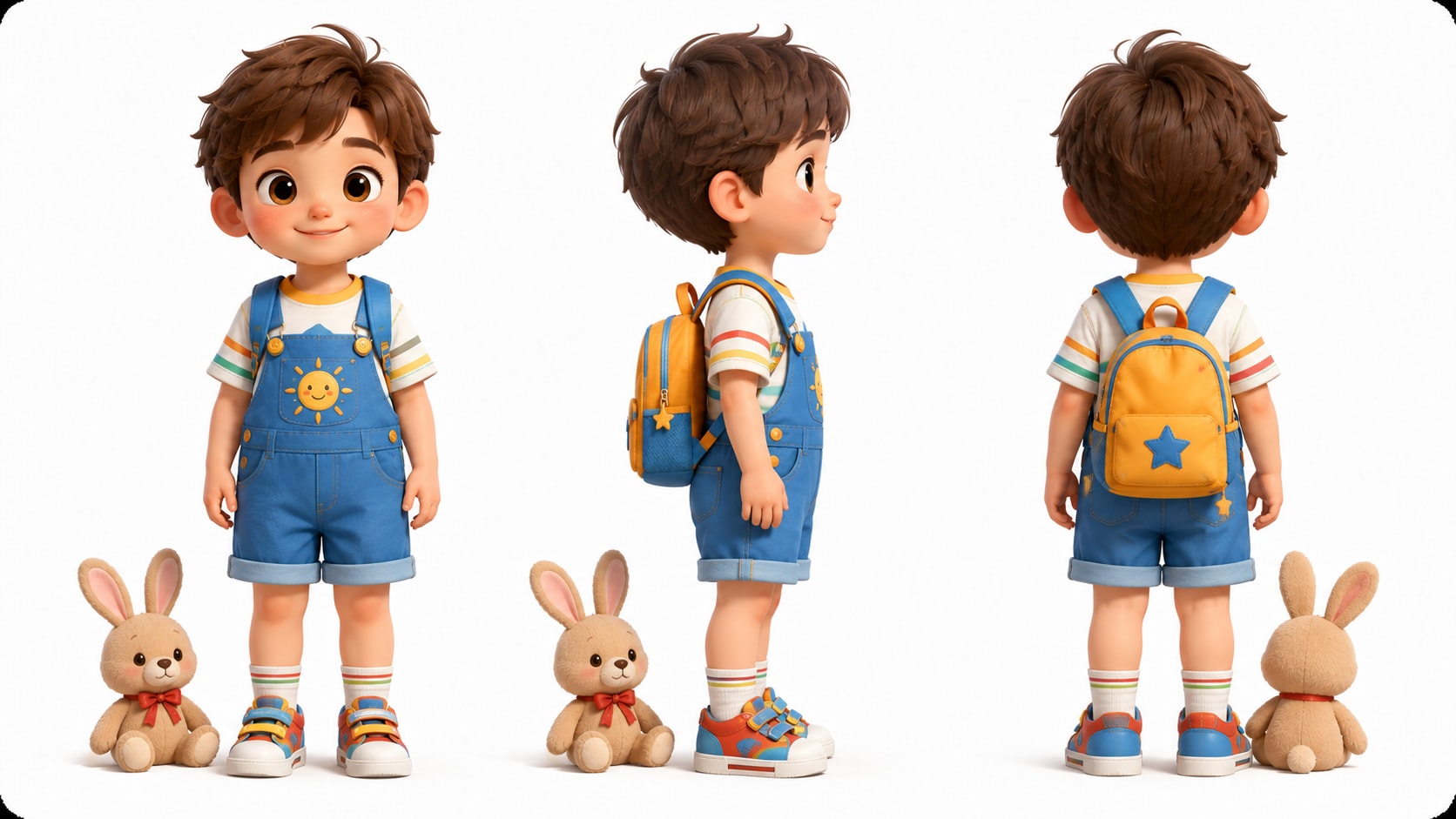
Ayuda a los niños a reconocer al maestro servicial, al niño curioso, al amigo paciente o al animal juguetón dándole a Media.io una guía clara de personajes.
- Elenco reconocible - Define nombres, roles, vestimenta y rasgos simples
- Opciones de referencia - Usa fotos, bocetos o descripciones de personajes en texto
- Expresiones aptas para niños - Guía sonrisas, curiosidad, sorpresa y amabilidad
- Sensación recurrente del cuento - Haz que una serie de aula se sienta más familiar
Revisa y pule cada momento del cuento antes del video final
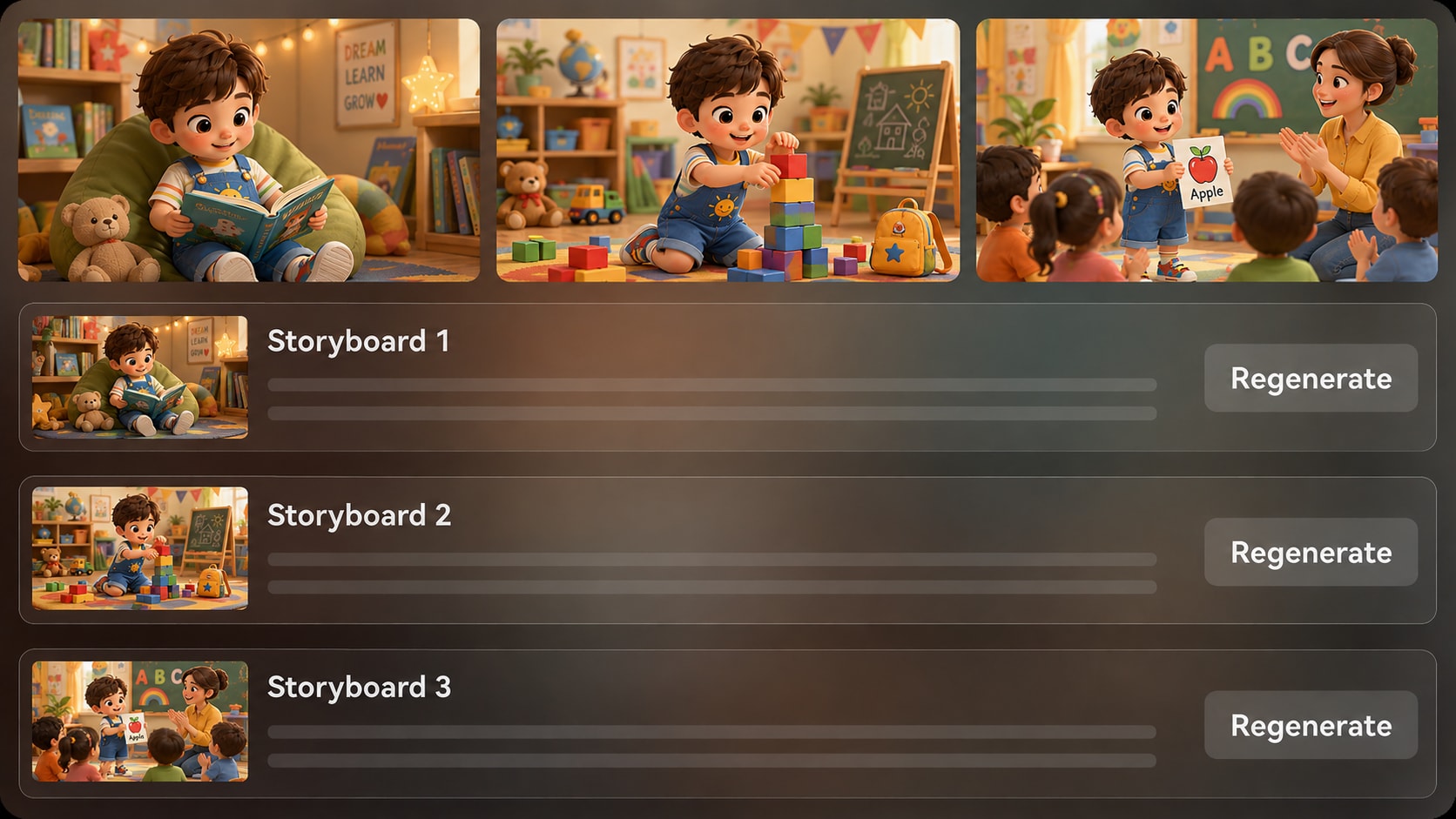
Mira las imágenes de guion gráfico generadas después del esquema para verificar si el conejito comparte los bloques, la maestra señala la letra o la escena de conteo se entiende claramente. Si una imagen del guion gráfico no cumple con lo esperado, usa Regenerar para esa toma específica.
- Vista previa del guion gráfico - Verifica el ritmo visual antes de la generación final
- Regenerar toma específica - Recrea una imagen del guion gráfico insatisfactoria
- Audio basado en el Script - Los videos finales pueden incluir narración y Música basadas en el Script
- Pulido post-generación - Revisa y refina con las herramientas de Media.io cuando sea necesario
Crea un video de cuento preescolar a partir de un Script
Usa un flujo de trabajo estructurado que mantiene la lección, los personajes y el ritmo fáciles de revisar.

Prepara el Script
Proporciona un Script detallado o una entrada de cuento estructurada con la lección, el escenario, los nombres de los personajes y los momentos clave de cada escena. Revisa y edita los campos del esquema extraído, incluyendo título, tema, escenario o fondo, trama del cuento y personajes, luego elige una Relación de aspecto de configuración como 9:16, 1:1 o 16:9.

Guía el guion gráfico
Agrega descripciones claras de personajes o referencias a partir de fotos, bocetos o indicaciones de texto, luego deja que Media.io genere imágenes de guion gráfico a partir del esquema. Revisa si cada escena es simple, amigable y comprensible para espectadores preescolares antes de crear el video final.

Genera y pule
Genera el video de cuento preescolar con narración y Música basadas en tu Script. Si una imagen del guion gráfico no se ajusta a la lección, usa Regenerar para esa toma específica antes de la Creación final, luego revisa el resultado y púlelo con herramientas de Media.io como Mejorar calidad de video cuando sea necesario.
Por qué elegir un generador de videos de cuentos preescolares con IA en lugar de una herramienta de video genérica
Los videos preescolares necesitan un camino de lección más claro, opciones visuales más Suaves y más tiempo de revisión que los clips genéricos de texto a video.
Crea para cada momento de narración preescolar

Maestros de preescolar
Crea cuentos para la hora del círculo, videos de rutinas del aula y lecciones morales sencillas que los niños puedan seguir en una pantalla compartida.

Creadores de YouTube Kids
Construye episodios recurrentes de cuentos preescolares con personajes amigables, ritmo suave y momentos claros del cuento para audiencias jóvenes.

Educadores de TikTok
Adapta Scripts cortos en historias de aprendizaje rápidas sobre colores, compartir, números, rutinas o comportamiento en el aula.

Padres narradores
Crea cuentos visuales personalizados a partir de Scripts familiares, ideas para la hora de dormir o lecciones suaves para el aprendizaje en casa.
Ver más ejemplos de videos de cuentos
Explora ejemplos fijos de distintos géneros de cuentos y luego adapta el mismo flujo de trabajo guiado por Script para videos de aprendizaje preescolar.
Amado por creadores de cuentos preescolares
Maestros, padres y creadores de canales infantiles usan el flujo de trabajo para mantener los cuentos para espectadores jóvenes claros y visuales.


"El paso del esquema me ayuda a verificar la lección antes de dedicar tiempo a generar el video. Se siente hecho para cuentos de aula."

"Puedo escribir un cuento sencillo de amistad, guiar los personajes y ver si las escenas tienen sentido antes de publicar."

"Me gusta usarlo para cuentos de conteo y modales porque los visuales se mantienen suaves y la narración sigue mi Script."

"Los Scripts preescolares cortos son mucho más fáciles de convertir en videos de cuentos verticales cuando puedo elegir el formato durante la configuración."

"La vista previa del guion gráfico me da una forma rápida de ver si las escenas de mi libro ilustrado son claras para niños más pequeños."

"Nos ayuda a probar ideas de cuentos amigables para padres sin saltar directamente a una producción de animación completa."
Preguntas frecuentes sobre el generador de videos de cuentos preescolares con IA
¿Qué es un generador de videos de cuentos preescolares con IA?
Un generador de videos de cuentos preescolares con IA ayuda a convertir un Script preescolar detallado o una entrada de cuento estructurada en un cuento visual suave con personajes, escenas y Audio moldeados por el Script. Media.io está diseñado para creadores que desean más estructura narrativa de la que puede ofrecer una indicación de una sola línea.
¿Qué debo pegar en Media.io para un video de cuento preescolar?
Utiliza un Script detallado, un borrador de narración, un plan de lección o una entrada de historia escena por escena. Incluye el objetivo de la lección, los nombres de los personajes, el escenario, el tono emocional y las acciones clave para que el esquema extraído tenga suficiente contexto.
¿Puede el Script guiar la voz en off y la Música?
Sí. El video final generado puede incluir voz en off y Música basadas en el Script, lo que ayuda a que la narración, el ambiente y el ritmo se ajusten a una historia preescolar. Revisa el resultado generado antes de compartirlo con los niños o publicarlo.
¿Cómo escribo un mejor Script para videos de historias preescolares?
Mantén la historia corta, concreta y visual. Usa una lección clara, de dos a cuatro personajes principales, frases repetidas, acciones simples y momentos emocionales Suaves como ayudar, esperar, compartir, contar o intentar de nuevo.
¿Qué errores debo evitar en los videos de historias preescolares?
Evita escenas abarrotadas, tramas complejas, cambios emocionales rápidos, sarcasmo, imágenes aterradoras y demasiados personajes. Los videos preescolares funcionan mejor cuando el niño puede entender quién actúa, qué cambió y qué lección se aprendió.
¿Puedo crear personajes preescolares reconocibles?
Media.io puede generar personajes a partir de fotos reales, bocetos o descripciones de texto, brindándote una guía clara de personajes para un maestro, un niño, un amigo animal o un elenco recurrente del aula. Evita esperar una guía de personajes perfectamente clara y revisa las escenas para verificar la coherencia visual.
¿Puedo crear videos para YouTube, TikTok o pantallas del aula?
Sí. Durante la configuración, puedes elegir una orientación de formato como vertical, cuadrado o panorámico según dónde se verá la historia. Muchos creadores usan videos de historias preescolares para YouTube, TikTok, pantallas del aula y recursos de aprendizaje para padres.
¿Puedo revisar el guion gráfico después de que se genere?
Puedes revisar y editar el esquema de la historia extraído antes de la generación del guion gráfico. Las imágenes del guion gráfico en sí no se editan manualmente como tarjetas, pero si una imagen específica del guion gráfico no es satisfactoria, puedes usar Regenerar para crear esa toma nuevamente.
¿Por qué usar Media.io para videos de historias preescolares en lugar de un generador de video con IA genérico?
Media.io ofrece a los creadores de contenido preescolar un flujo de trabajo narrativo más guiado: entrada detallada de Script, extracción de esquema editable, guía de personajes, revisión de imágenes del guion gráfico, locución y Música basadas en el Script, y herramientas de pulido después de la generación. Eso facilita mantener el video claro, suave y enfocado en la lección.
Descubre más flujos de trabajo de videos de historias con IA
Las historias preescolares son solo una forma de comenzar a partir de un Script. Explora generadores relacionados de Guiones con IA a video para cuentos para dormir, contenido de aprendizaje infantil, explicaciones educativas y formatos de historias amigables para creadores.















Crea una historia preescolar que los pequeños espectadores puedan seguir
Comienza con un Script detallado, guía la lección y los personajes, luego revisa y pule tu video de historia preescolar con Media.io.
 4.8 (281 votos)