
Generador de videos conmemorativos con IA para homenajes respetuosos de historias de vida
Honra a un ser querido con un video creado a partir de recuerdos reales, no con contenido genérico. El Generador de videos conmemorativos con IA de Media.io ayuda a narradores familiares, creadores, educadores y cineastas a convertir un elogio fúnebre, cronología de vida o Script de homenaje en una historia esquematizada con personajes guiados, visuales serenos y narración basada en el Script.
Crea una historia conmemorativa que se sienta personal y serena
Guía el homenaje desde los recuerdos escritos hasta las escenas, la narración y las imágenes que coincidan con la persona recordada.
Convierte un elogio en un arco narrativo de vida
Comienza con un elogio fúnebre detallado, obituario o cronología de vida y deja que Media.io extraiga un esquema editable con título, tema, escenario, trama y personajes. Esto hace que el flujo de trabajo del generador de videos de homenaje con IA se sienta organizado en lugar de improvisado.
- Línea de tiempo de vida - Estructura la infancia, los hitos, la familia, el trabajo y el legado
- Esquema editable - Revisa el título, tema, escenario, trama y personajes
- Enfoque en el Script - Usa borradores de narración detallados para una mejor planificación de escenas
- Flujo respetuoso - Mantén el homenaje sereno, claro y guiado por la historia
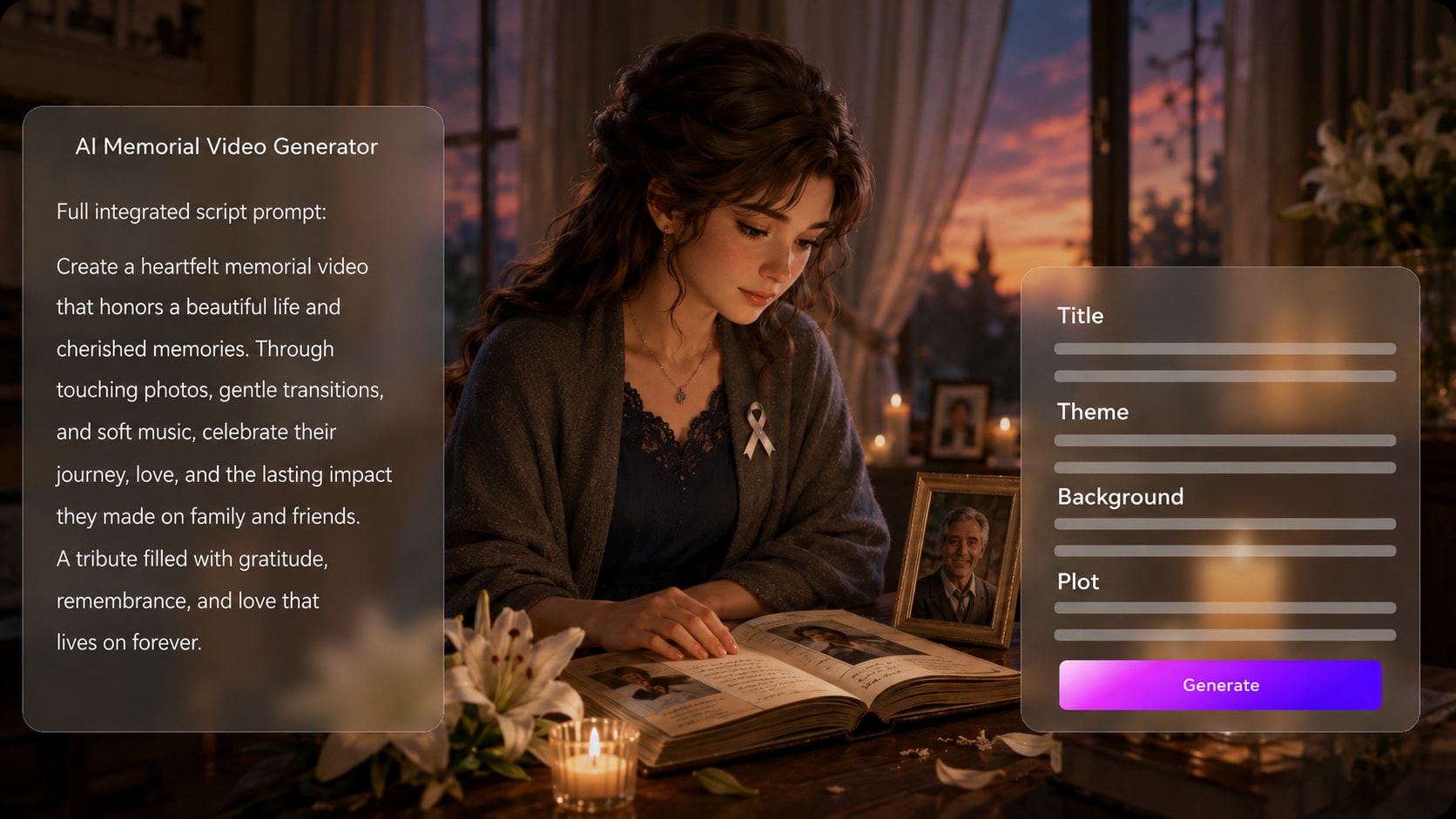
Guía personas y lugares con cuidado
Da forma al homenaje en torno a referencias visuales significativas. Media.io puede usar fotos reales, bocetos o descripciones de texto para guiar la generación de personajes, ayudando a los espectadores a reconocer a la persona, el rol familiar o el recuerdo homenajeado sin depender de escenas genéricas.
- Guía fotográfica - Usa imágenes reales para orientar la apariencia del personaje
- Personajes por texto - Describe familiares, maestros, amigos o versiones más jóvenes
- Escenarios de recuerdos - Menciona hogares, jardines, aulas, playas o calles del pueblo natal
- Dirección visual - Elige un estilo que se sienta cálido, digno o tipo documental
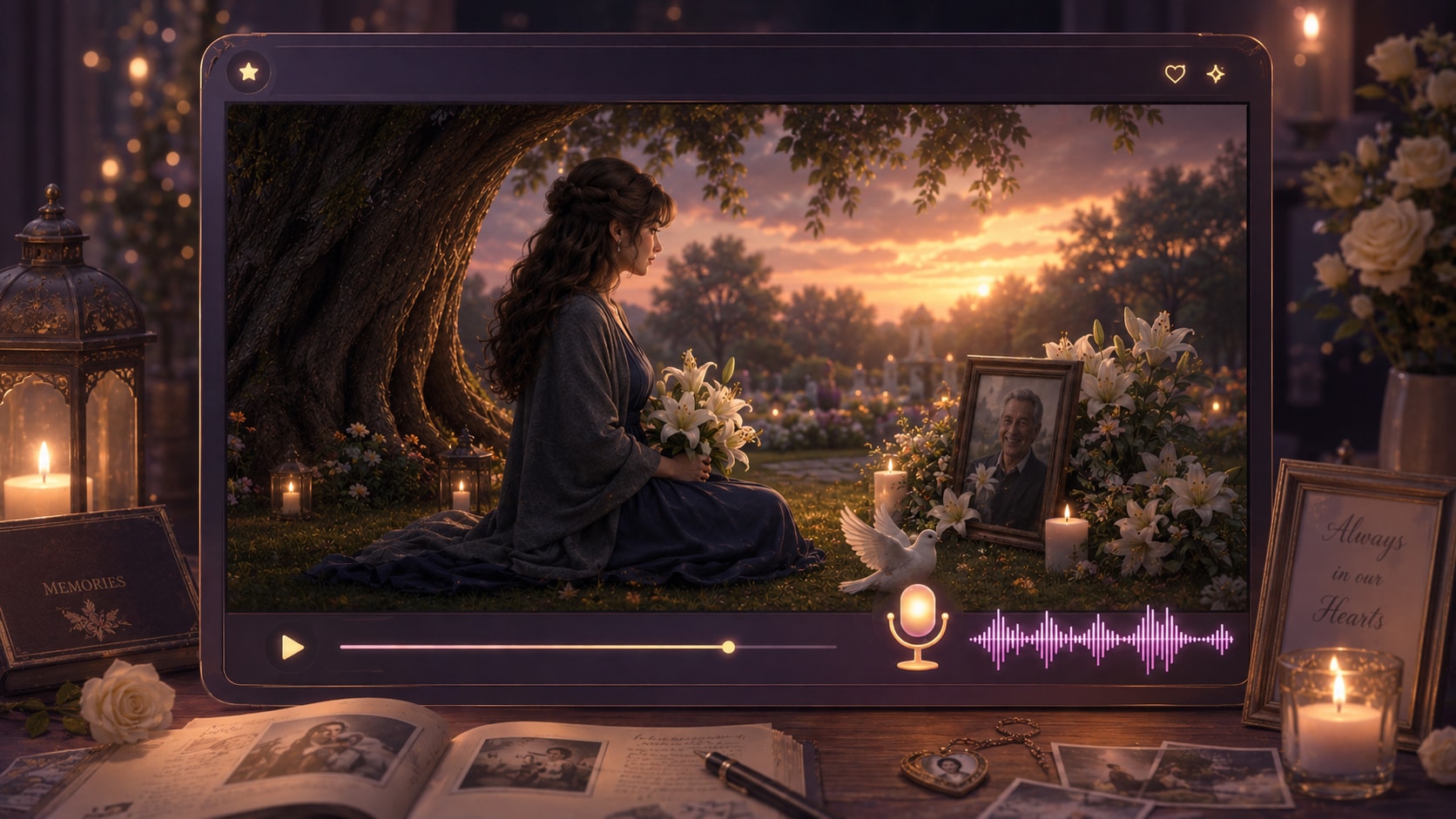
Revisa directamente cada momento antes de que se convierta en el video
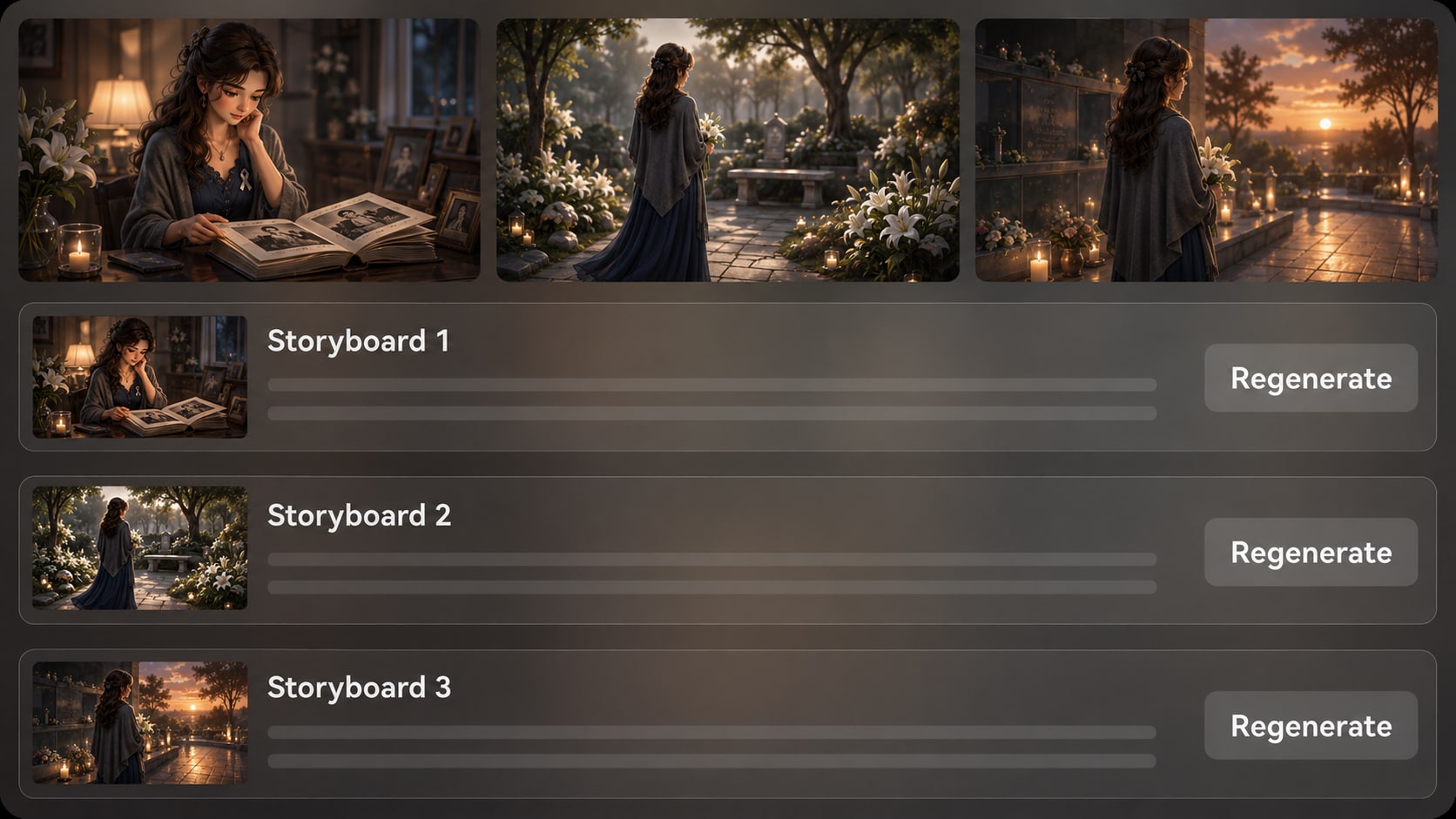
Después del esquema, Media.io genera imágenes de guion gráfico que muestran el homenaje escena por escena. Si una imagen resulta demasiado dramática, inexacta o emocionalmente inadecuada, puedes Regenerar esa imagen específica del guion gráfico y seguir revisando antes de la generación final.
- Vista previa del guion gráfico - Visualiza el flujo del recuerdo antes de producir el video
- Revisiones sensibles - Detecta imágenes que no se ajustan a la historia o al tono
- Regenerar tomas - Crea una nueva versión de una imagen específica insatisfactoria
- Revisión de continuidad - Verifica si las personas, los lugares y el ambiente se sienten coherentes
Ajusta la narración a un tono de homenaje suave
Crea un flujo de trabajo de creador de videos conmemorativos donde la voz en off y la Música puedan basarse en el Script. Escribe la narración con pausas, gratitud y recuerdos clave para que el video final transmita un ritmo emocional más sereno.
- Voz en off basada en el Script - Deja que la narración siga las palabras que proporcionas
- Dirección de Audio Suave - Señala un tono reflexivo, esperanzador o documental en el Script
- Historia apta para subtítulos - Usa oraciones claras para espectadores familiares y clips sociales
- Pulir después de la generación - Revisa y refina el video terminado con las herramientas de Media.io
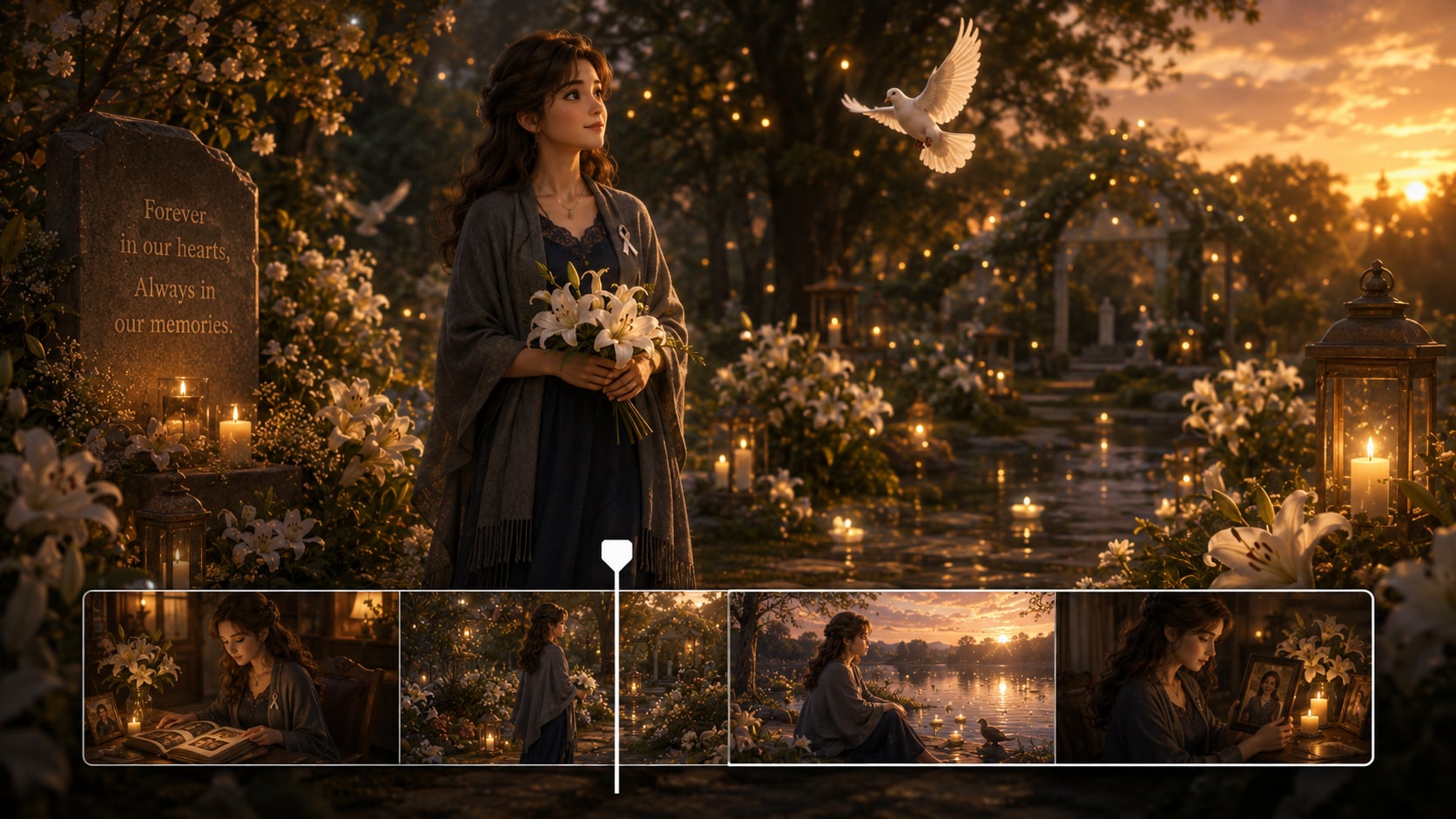
Crea un video conmemorativo en tres pasos cuidadosos
Usa un flujo de trabajo guiado por el Script para que el homenaje se mantenga enfocado en la persona, los recuerdos y el mensaje.

Escribe el homenaje
Proporciona un Script detallado o una entrada narrativa estructurada, como un elogio fúnebre, obituario, cronología de vida o borrador de narración. Revisa y edita los campos del esquema extraído, incluyendo título, tema, escenario o fondo, trama de la historia y personajes, y luego elige una Relación de aspecto como 9:16, 1:1 o 16:9 durante la configuración.

Guía las escenas
Añade guía de personajes a partir de fotos reales, bocetos o descripciones de texto, luego prepara la dirección visual con las opciones de formato, estilo y ambiente disponibles. Revisa las imágenes del guion gráfico generadas para verificar si cada recuerdo, escenario y transición se siente apropiado para un homenaje conmemorativo.

Genera y pule
Genera el video final con voz en off y Música basadas en el Script. Si una imagen del guion gráfico no se siente adecuada antes de la generación, puedes Regenerar esa toma específica. Después de crear el video, revísalo cuidadosamente y utiliza herramientas de Media.io como Mejorar la calidad del video cuando se necesite un pulido adicional.
Elige un generador de videos conmemorativos con IA en lugar de un creador genérico de presentaciones
Una historia conmemorativa necesita estructura narrativa, ritmo sensible y dirección visual, no solo una secuencia de imágenes.
Crea videos de recuerdo para cada contexto narrativo

Narradores familiares
Crea un video respetuoso de historia de vida a partir de un elogio, Notas familiares o recuerdos compartidos para un servicio o recuerdo privado.

Creadores de YouTube
Crea videos conmemorativos estilo documental, homenajes biográficos o historias de legado con un flujo de trabajo más claro de Script a escena.

Creadores de TikTok
Da forma a videos cortos de recuerdo con narración enfocada, ritmo emocional y momentos visuales que se adapten a la narrativa vertical.

Educadores e historiadores
Convierte historias orales, perfiles comunitarios y proyectos de recuerdo en el aula en historias visuales claras para estudiantes.
Ver diferentes tipos de videos de historias
Explora formatos de historias de ejemplo y adapta el mismo flujo de trabajo guiado por Script para homenajes, historias, lecciones y proyectos de creadores.
Amado por creadores de recuerdos
Los creadores valoran un flujo de trabajo que mantiene la narración conmemorativa estructurada, serena y más fácil de revisar.


"El paso del esquema me ayudó a organizar la historia de mi padre antes de convertirla en un video de homenaje para nuestra familia."

"Me gustó poder comenzar desde un Script de narración real en lugar de luchar con clips desconectados."

"La vista previa del guion gráfico facilitó verificar si cada escena coincidía con el recuerdo que estábamos compartiendo."

"Lo usamos para dar forma a una historia de recuerdo de voluntarios con un tono respetuoso y un mensaje claro."

"El proceso de Script a esquema me dio un punto de partida práctico para un concepto de cortometraje de legado."

"Me ayudó a hacer que un homenaje corto se sintiera más reflexivo que un Montaje básico de fotos."
Preguntas frecuentes sobre el generador de videos conmemorativos con IA
¿Qué es un generador de videos conmemorativos con IA?
Un generador de videos conmemorativos con IA ayuda a convertir un Script de homenaje detallado, elogio fúnebre, obituario o cronología de vida en un video narrativo. Media.io lo facilita extrayendo un esquema editable, generando imágenes de guion gráfico y creando un video final con voz en off y Música basadas en el Script.
¿Qué debo proporcionar para crear un mejor video conmemorativo?
Comienza con un Script detallado o Notas estructuradas que incluyan el nombre de la persona, etapas clave de su vida, relaciones familiares, lugares importantes, valores y el mensaje que deseas que los espectadores recuerden. Cuanto más específica sea la entrada, más fácil será crear un h
¿Pueden la voz en off y la Música coincidir con el Script conmemorativo?
Sí. La voz en off y la Música generadas pueden basarse en el Script que proporciones, por lo que tu redacción, pausas, tono emocional y estructura narrativa son importantes. Escribe el Script en un estilo de narración tranquilo si deseas que el video se sienta reflexivo y respetuoso.
¿Cómo escribo un Script conmemorativo para la generación de video con IA?
Usa una estructura sencilla de historia de vida: recuerdo inicial, primeros años, rol familiar o comunitario, hitos significativos, cualidades personales y homenaje de cierre. Agrega indicaciones claras de escena, nombres, escenarios y dirección emocional para que el video tenga suficiente orientación.
¿Qué errores debo evitar en un video conmemorativo con IA?
Evita indicaciones vagas, lenguaje excesivamente dramático, demasiados eventos sin relación entre sí y detalles que no hayas verificado. Para homenajes delicados, revisa el esquema y las imágenes del guion gráfico cuidadosamente antes de generar el video final.
¿Puedo usar fotos o descripciones para guiar los personajes en un video conmemorativo?
Sí. Media.io puede usar fotos reales, bocetos o descripciones de texto para la extracción y generación de características de personajes. Considera esto como una guía reconocible de personajes en lugar de una garantía de semejanza perfecta o identidad de personaje fija.
¿Puedo crear videos conmemorativos para YouTube, TikTok o un servicio?
Sí. Durante la configuración, puedes elegir un formato que se ajuste al uso previsto, como clips sociales verticales, publicaciones cuadradas o videos de homenaje en pantalla panorámica. Siempre revisa el video final y púlelo según sea necesario antes de compartirlo públicamente o presentarlo en un evento.
¿Puedo revisar el guion gráfico si una escena conmemorativa se ve incorrecta?
Puedes revisar y editar el esquema extraído antes de la generación del guion gráfico. Las imágenes del guion gráfico en sí no son editables manualmente, pero si una imagen específica del guion gráfico parece inadecuada, puedes Regenerar esa toma y revisar la nueva versión.
¿Por qué usar Media.io para videos de historias conmemorativas en lugar de una herramienta genérica de video con IA?
Media.io es útil para la narración conmemorativa porque parte de Scripts detallados, extrae un esquema de historia editable, admite guía de personajes, genera imágenes de guion gráfico para revisión y crea voz en off y Música basada en el Script. Eso brinda a los proyectos de homenaje delicados más estructura y control.
Explora más formas de convertir Scripts en videos de historias
Los creadores de contenido conmemorativo a menudo trabajan en formatos de biografía, educación, narración de marca y video social. Explora los generadores relacionados de Guiones con IA a video cuando necesites un tono, audiencia o estructura narrativa diferente.















Crea una historia conmemorativa que se sienta reflexiva y personal
Comienza con un Script detallado de homenaje o una Línea de tiempo de vida, luego da forma a un video respetuoso que puedas revisar, pulir y compartir.
 4.8 (286 votos)