
Generador de drama de pareja destinada con IA: Convierte historias de pareja destinada en videos
Las historias de hombres lobo necesitan continuidad de personajes, reglas del mundo y momentos de transformación para mantenerse legibles. El generador de drama de pareja destinada con IA convierte Scripts sobrenaturales en escenas conectadas con roles de manada, tensión bajo la luz de la luna y ritmo de revelación de pareja. Mantiene el mundo de la historia coherente mientras el drama crece.
Características impresionantes de un creador de videos de drama de hombres lobo con IA
Media.io mantiene la jerarquía de manada, el ritmo de revelación de pareja, la vista previa del guion gráfico y el modo agente en un solo flujo de trabajo de hombres lobo, con exportaciones de hasta 2 minutos en 4K.
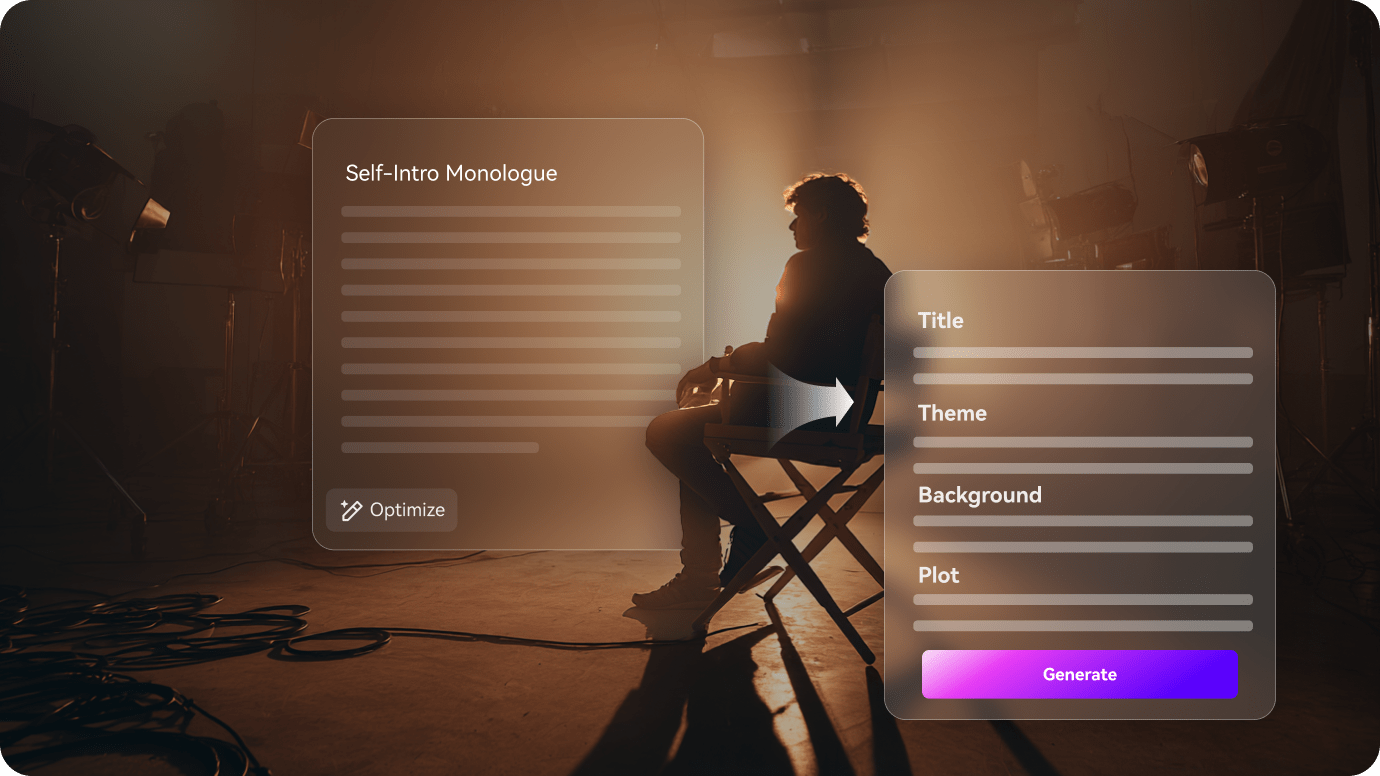
Convierte Scripts de hombres lobo en escenas sobrenaturales conectadas
Comienza mapeando el conflicto de manada, la revelación de pareja y los momentos de luna llena para que la Línea de tiempo sobrenatural tenga una forma clara.
- Mapea revelaciones de pareja, tensión de manada y momentos de luna llena en un solo esquema
- Mantén la Línea de tiempo sobrenatural legible a lo largo de escenas conectadas
- Haz que la lógica del mundo se mantenga coherente de capítulo en capítulo
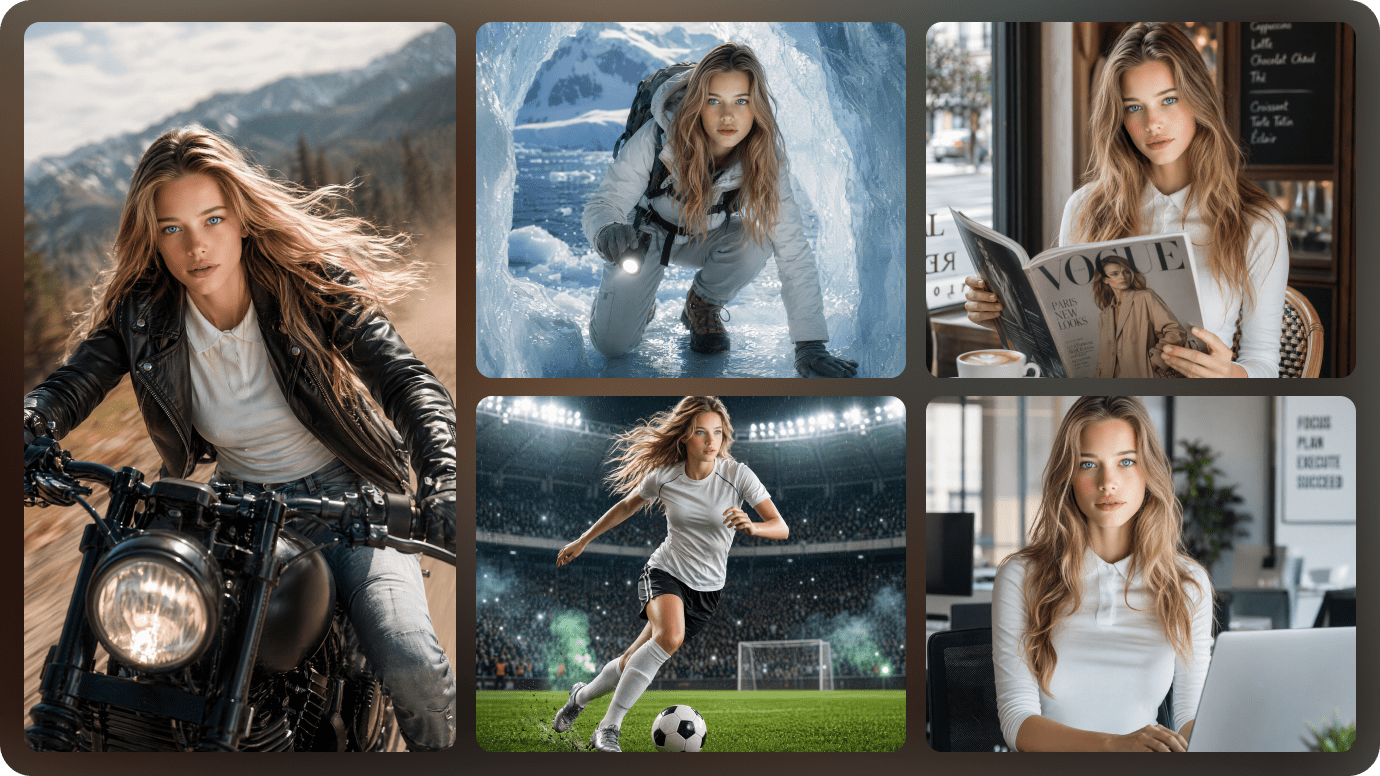
Mantén la consistencia de los personajes alfa, luna y de manada
Los roles de alfa, luna, rival y pareja deben seguir siendo reconocibles incluso cuando la historia pasa de escenas humanas a momentos de transformación.
- Mantén los mismos miembros de la manada en las escenas de transformación y los encuentros con rivales
- Mantén al alfa y la luna reconocibles en cada escena
- Admite roles recurrentes en historias de pareja destinada y pareja rechazada
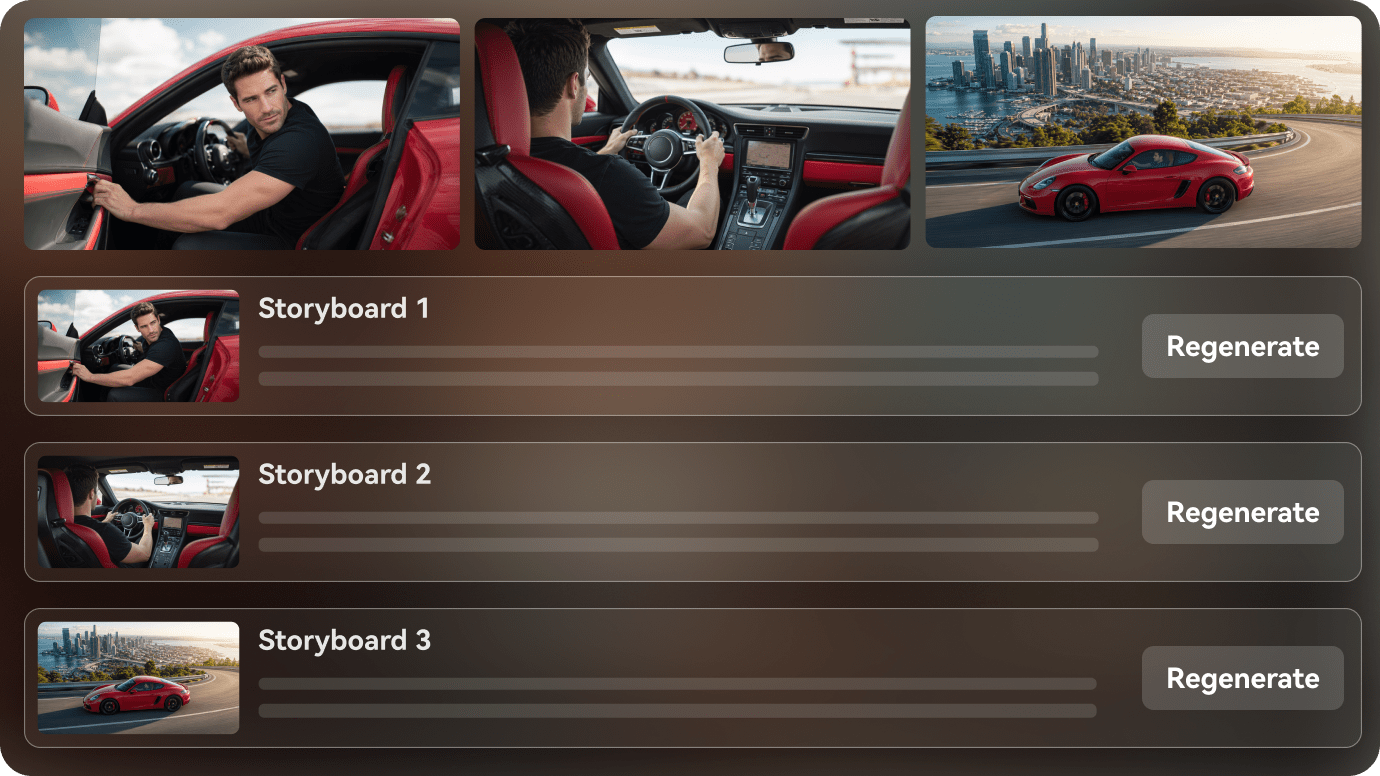
Planifica los momentos de transformación y las reglas del mundo antes de exportar
Antes de exportar, revisa las reglas detrás de cada transformación, vínculo y confrontación para que el video final siga sintiéndose como una sola historia de manada.
- Usa la etapa de revisión para mantener clara la lógica de la manada
- Revisa una escena sin perder la tensión sobrenatural
- Exporta un video que siga sintiéndose como una historia continua de hombres lobo
Cómo crear un video de drama de hombres lobo en 3 pasos
Comienza con el Script, luego mantén el elenco, los momentos de transformación y la lógica de manada alineados antes de exportar.

Pega el Script sobrenatural
Comienza con una historia de manada, una revelación de pareja o una escena de luna llena y conviértela en un esquema visible.

Fija el elenco de la manada
Mantén al alfa, la luna, el rival y los miembros de la manada reconocibles a lo largo de escenas conectadas y momentos de transformación.

Revisa el corte final de la manada
Verifica el orden de las escenas, refina la lógica del mundo y exporta el video de drama de hombres lobo.
Ideas de videos de drama de hombres lobo que puedes crear
Estas ideas de historias se apoyan en la jerarquía de manada, las revelaciones de vínculo y los momentos de transformación.
Reconocimiento de pareja destinada
Una escena que gira en torno al momento exacto en que dos personajes se dan cuenta de que el vínculo es real.
Hombres lobo
Pareja rechazada
Una historia construida en torno al dolor, la distancia y la posibilidad de una segunda oportunidad.
Hombres lobo
Rivalidad de alfas
Dos líderes, una manada y un conflicto que cambia la forma de toda la trama.
Hombres lobo
Traición de manada
Una ruptura de confianza que cambia a quién puede seguir la manada.
Hombres lobo
Transformación bajo la luna llena
Un momento visual que necesita que el mundo, el ritmo y la emoción se mantengan en sincronía.
Hombres lobo
Identidad humana secreta
Una verdad oculta que mantiene la historia moviéndose entre el mundo humano y el mundo de la manada.
Hombres lobo
Cómo diferentes creadores de hombres lobo usan Guiones con IA para crear vídeos
Desde creadores de dramas cortos y canales de fantasía sin rostro hasta guionistas, novelistas y equipos de fans, descubre cómo los Guiones con IA para vídeo pueden convertir ideas sobrenaturales escritas en vídeos terminados.


"Puedo pasar de escenas de manada escritas a un borrador limpio de historia sobrenatural mucho más rápido."

"Me ayuda a organizar la narración, las revelaciones de vínculo y los momentos de transformación juntos."

"Puedo mostrar el tono y las reglas del mundo de una escena de hombres lobo sin reconstruir el borrador."

"Puedo convertir un capítulo en una vista previa paranormal rápida y mantener la lógica de la manada legible."

"Puedo pegar texto largo, revisar el esquema y dar forma a un video de hombres lobo con un arco estable."

"Convierte Scripts sobrenaturales en videos visuales que son más fáciles de compartir con una base de fans."
Preguntas frecuentes sobre drama de hombres lobo
Estas respuestas cubren Scripts de manada, momentos de transformación y el flujo de trabajo para escenas de historias de hombres lobo.
¿Qué es un generador de videos de drama de hombres lobo con IA?
Es un flujo de trabajo de Script a video para convertir historias de hombres lobo, alfa, luna y manada en escenas conectadas.
¿Puedo empezar desde un Script de hombres lobo?
Sí. Un Script sobrenatural o un borrador de historia de manada es un buen punto de partida para la etapa de esquema.
¿Puedo mantener el mismo alfa o luna en todas las escenas?
Sí. El flujo de trabajo está diseñado para mantener los personajes recurrentes reconocibles a medida que la historia de manada avanza.
¿Qué historias de hombres lobo funcionan mejor?
Las de pareja destinada, pareja rechazada, rivalidad de alfas, traición de manada y escenas de transformación suelen encajar bien.
¿Puedo usarlo para videos de formato corto?
Sí. La historia se puede adaptar para clips verticales o episodios sobrenaturales cortos.
¿Ayuda con las escenas de transformación?
Sí. El flujo de escenas puede mantener alineados el momento de transformación y la lógica de la historia.
¿Qué pasa si las reglas del mundo necesitan ajustes?
Puedes revisar el esquema y corregir el orden de las escenas antes de exportar.
Explora ideas y casos de uso de Script a video
Estos temas se ramifican en jerarquía de manada, transformación y drama de vínculos con un estilo distintivo.

Convierte tu Script de hombres lobo en un video con IA en un solo flujo de trabajo
Pega tu Script de hombres lobo, borrador de manada o esquema de revelación de pareja. Media.io te ayuda a estructurar las escenas, configurar los personajes, previsualizar el guion gráfico y generar un video sobrenatural visualizable a partir de tu idea escrita. También puedes activar la Música de fondo y los subtítulos, o usar el modo agente para una ejecución en un solo paso. Las exportaciones pueden alcanzar hasta 2 minutos en 4K.