Verwandeln Sie Fotos in Tahir Editz Videos
Verwandeln Sie ein Porträt oder ein Ganzkörperfoto in eine Bearbeitung im Creator-Stil mit filmischer Kamerabewegung, dramatischem Tempo, sanfter Zeitlupe und sozialbereiter visueller Energie.


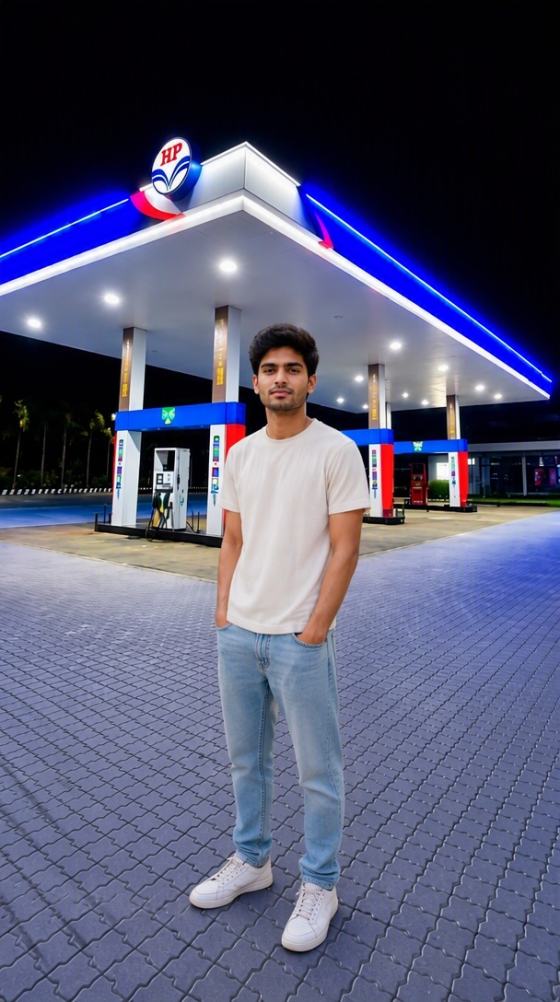




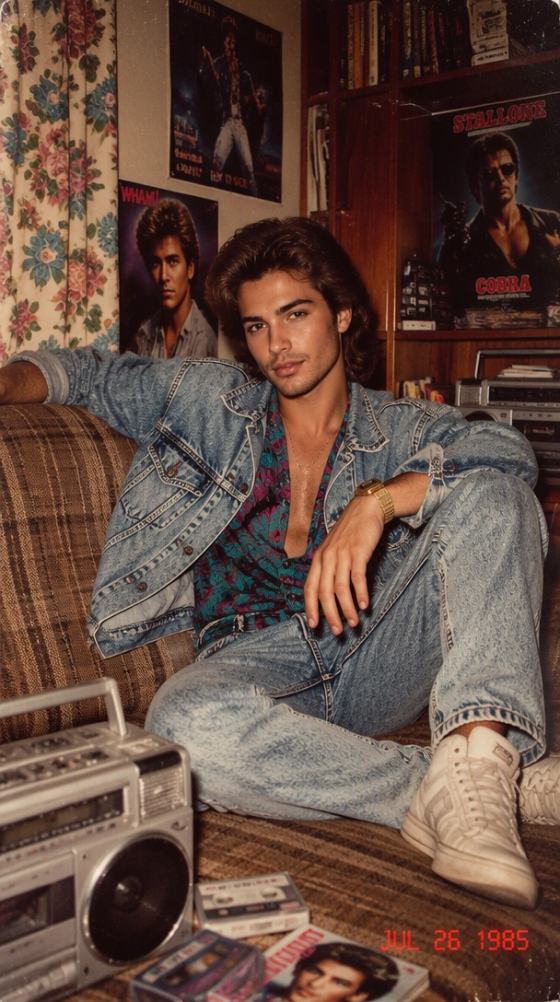
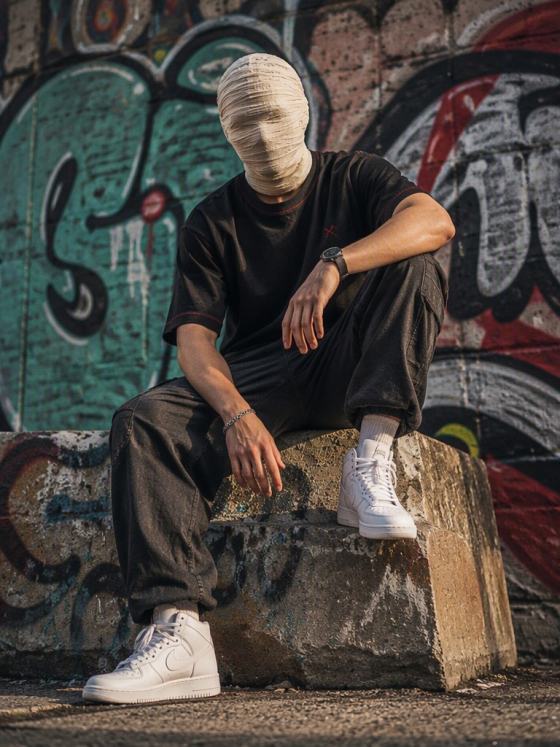
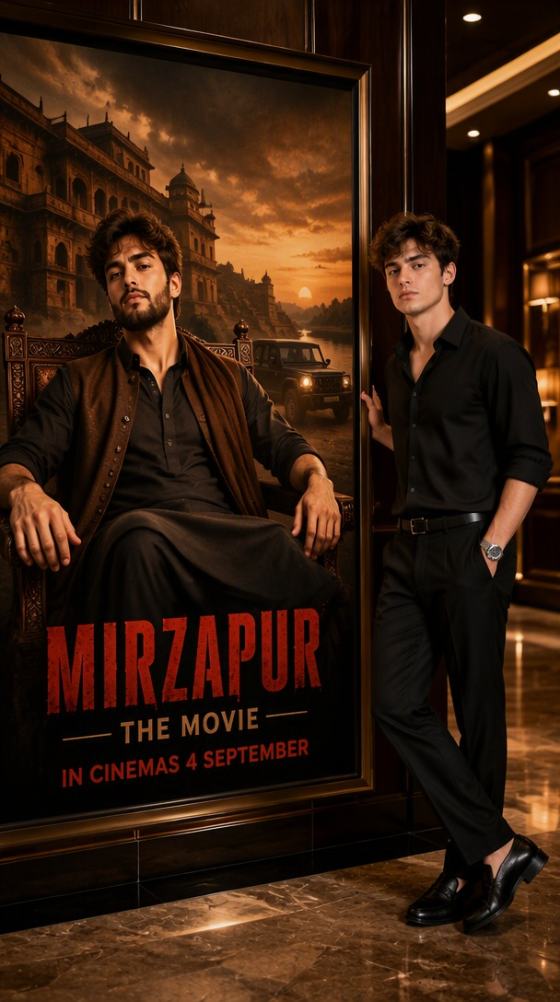
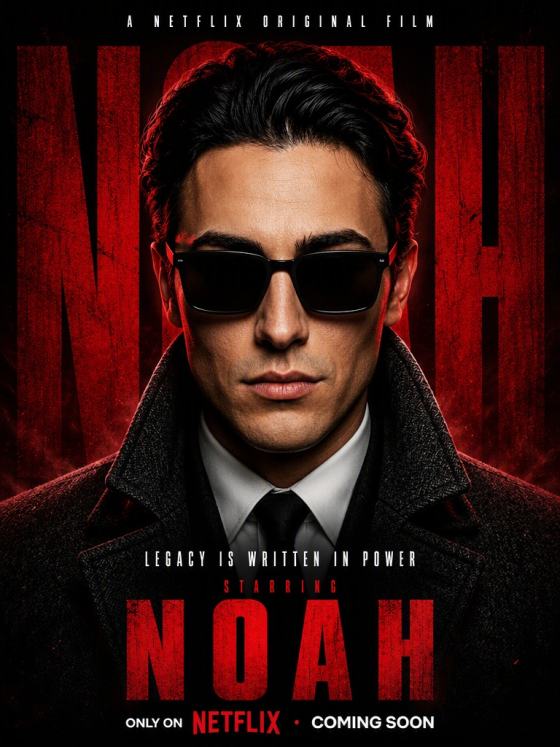
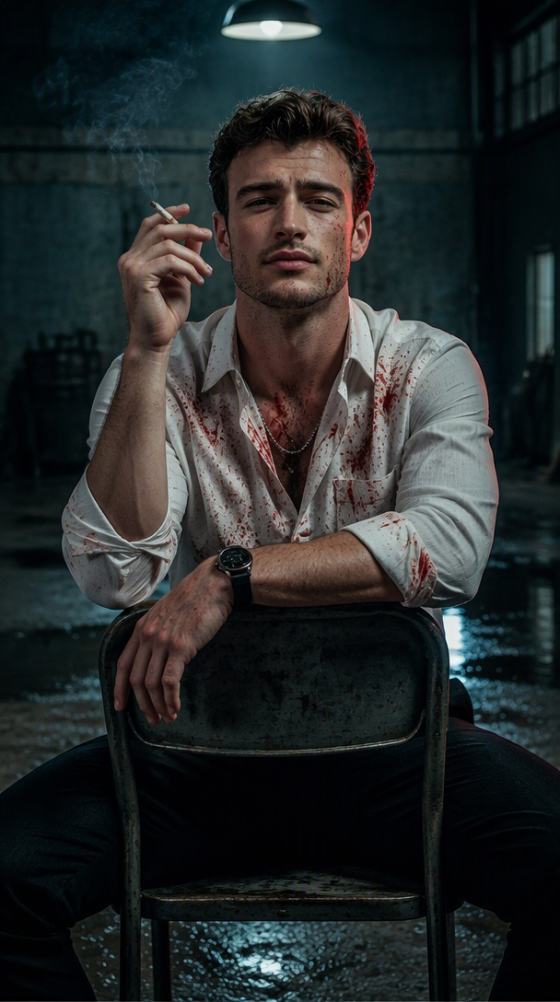
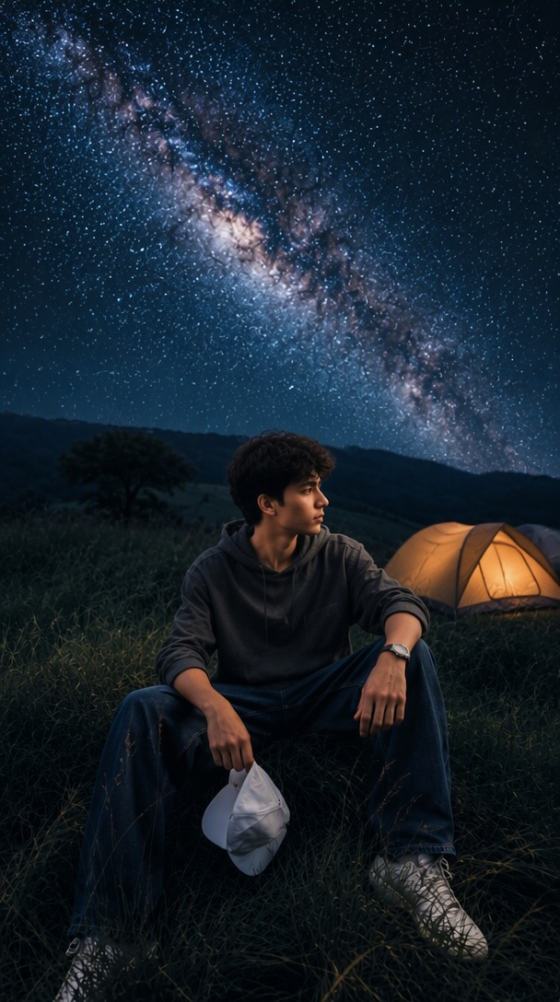
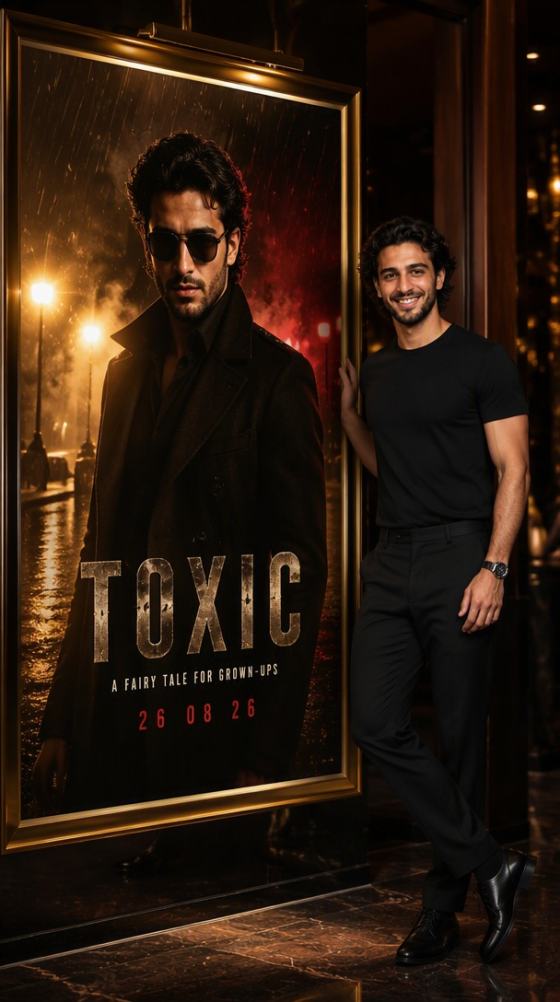
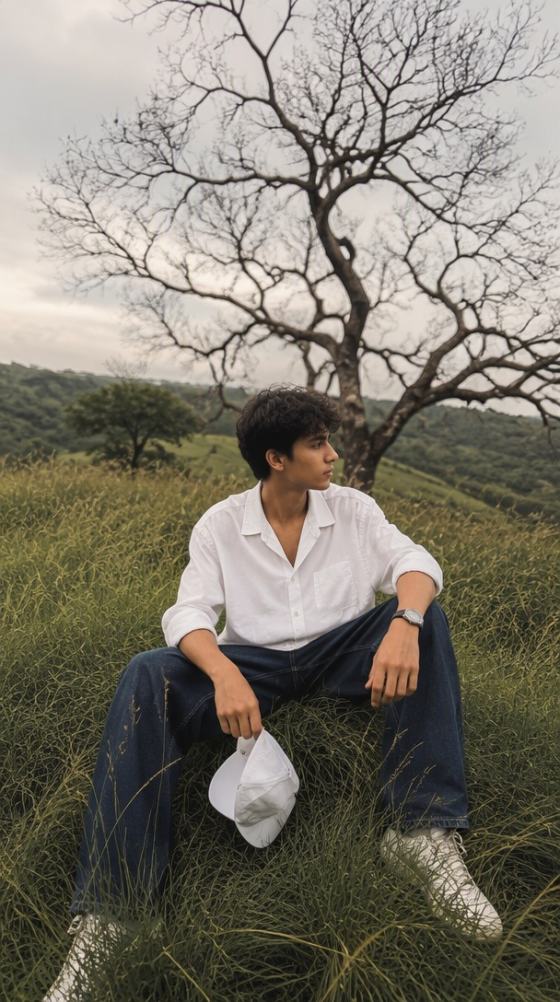
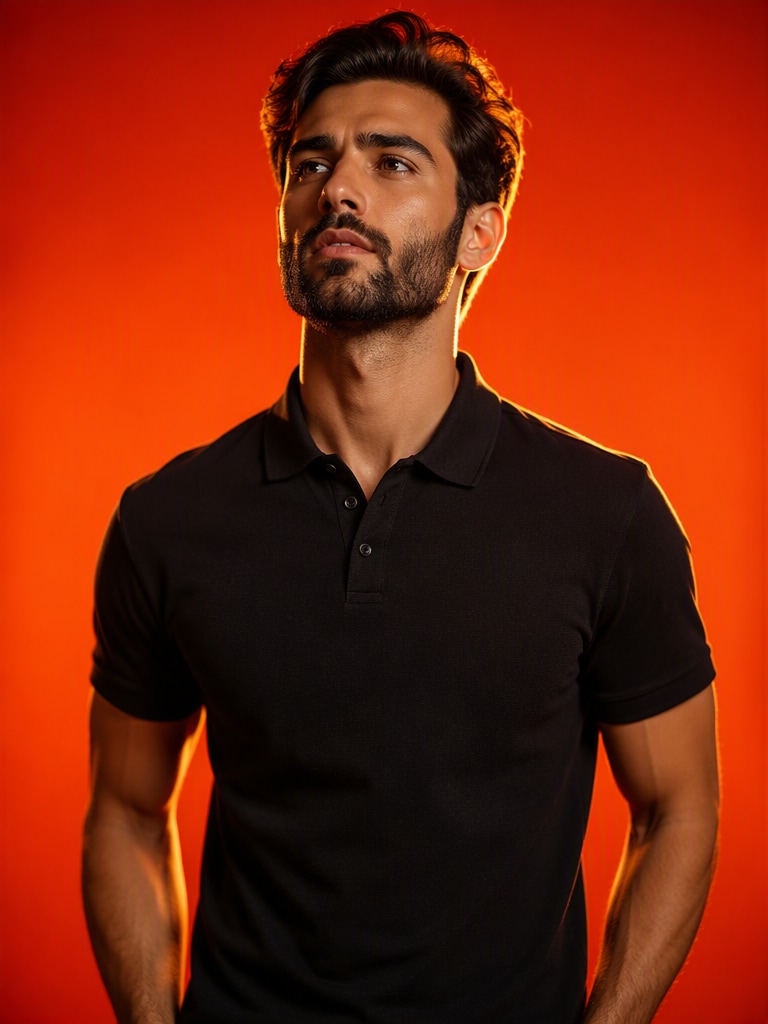
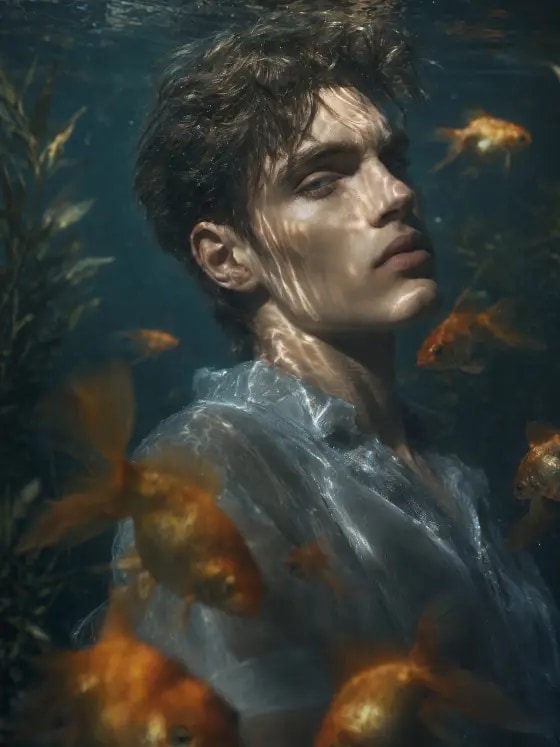
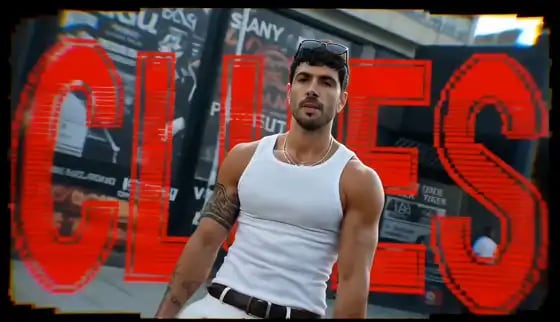

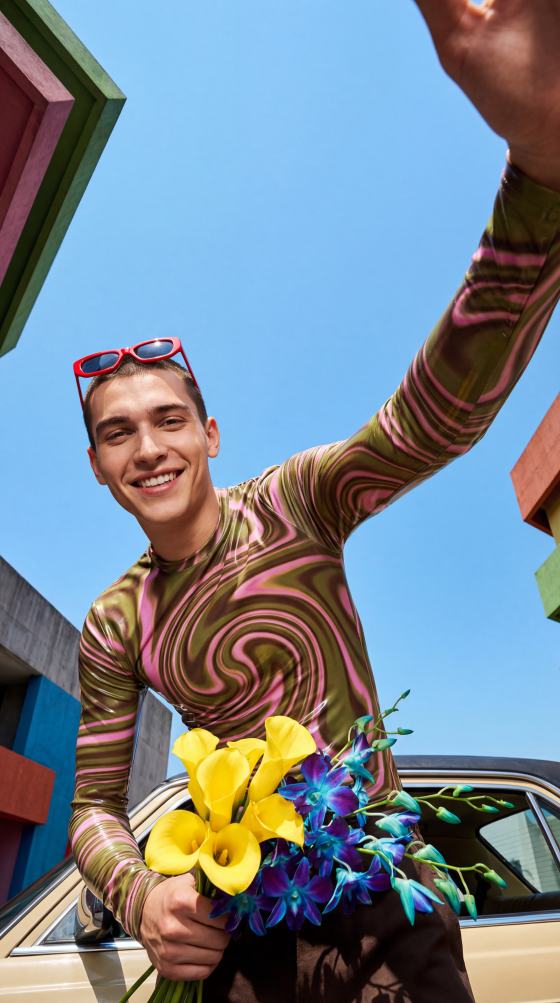
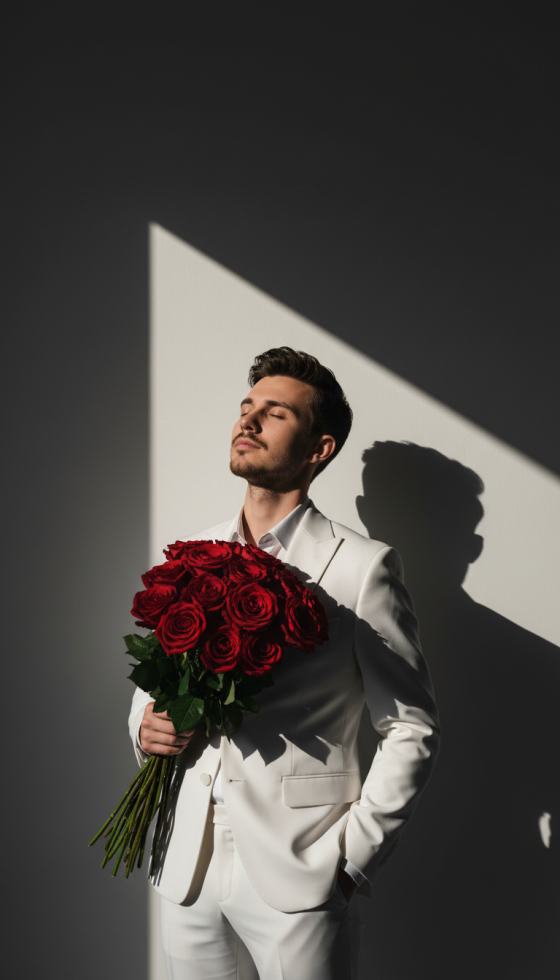

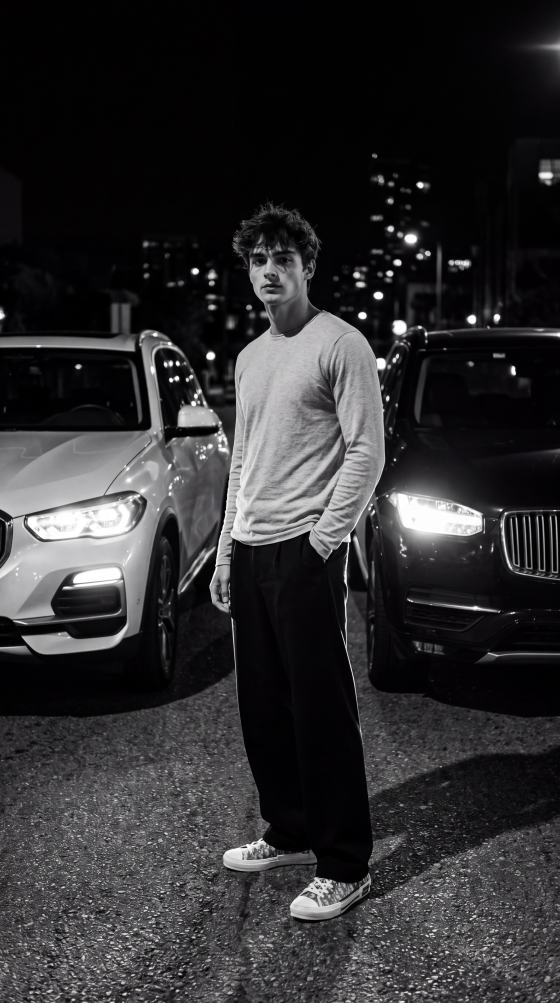
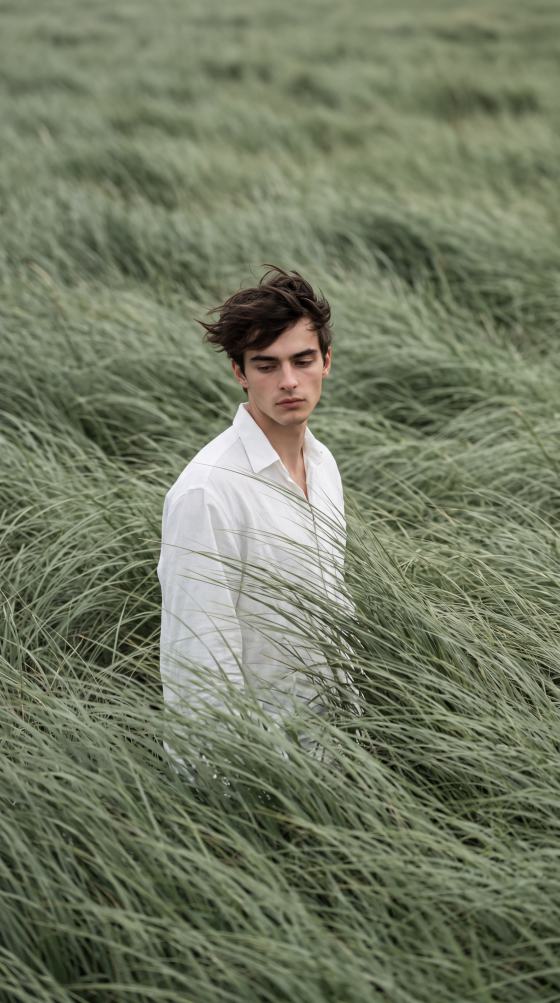
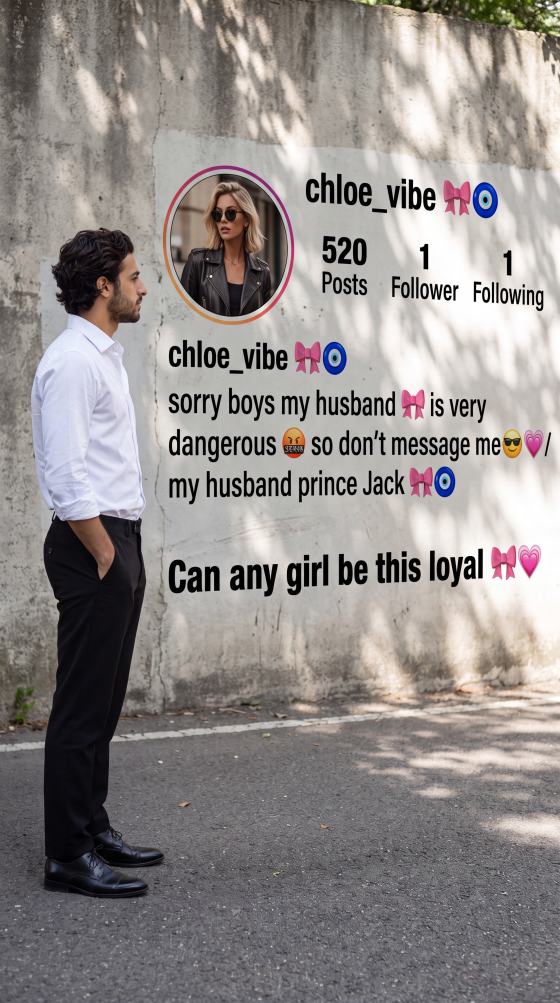
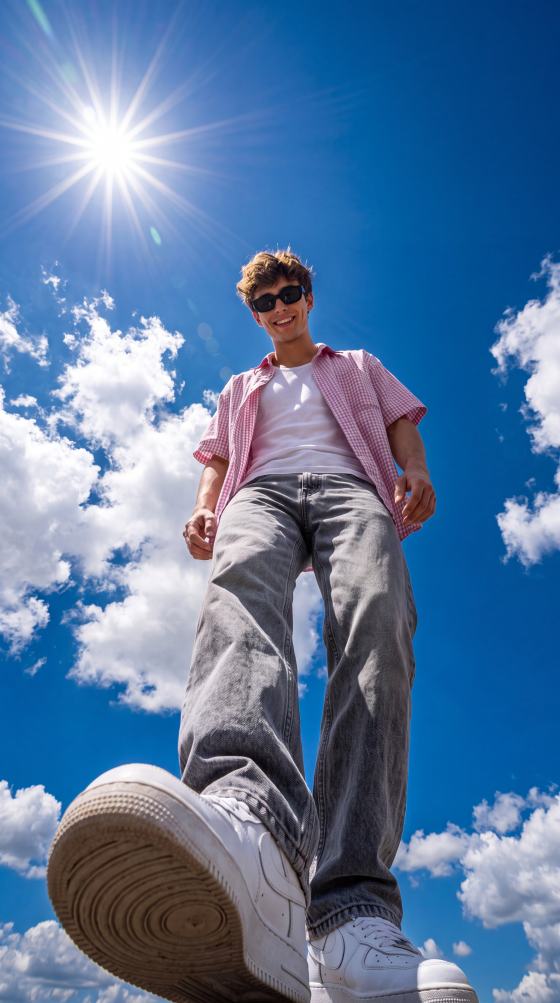
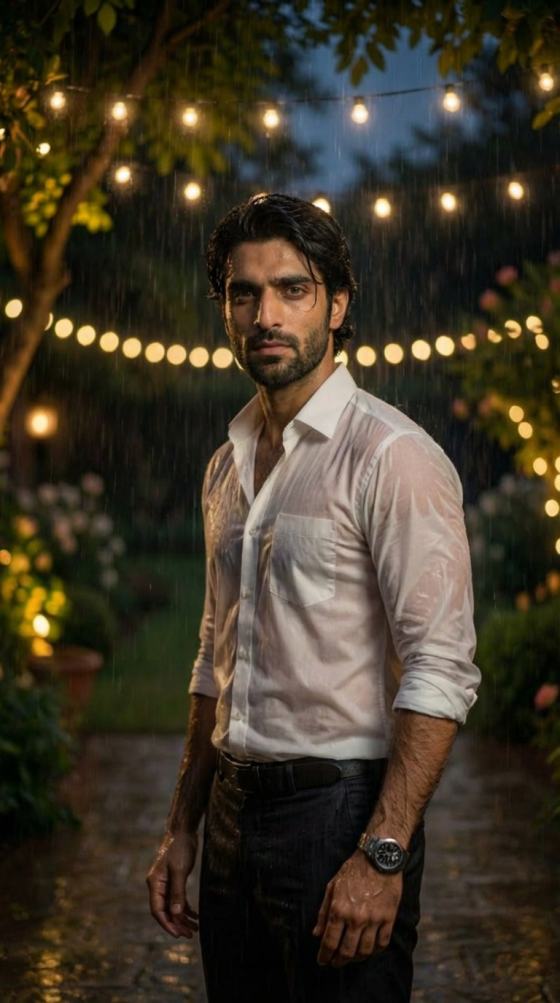
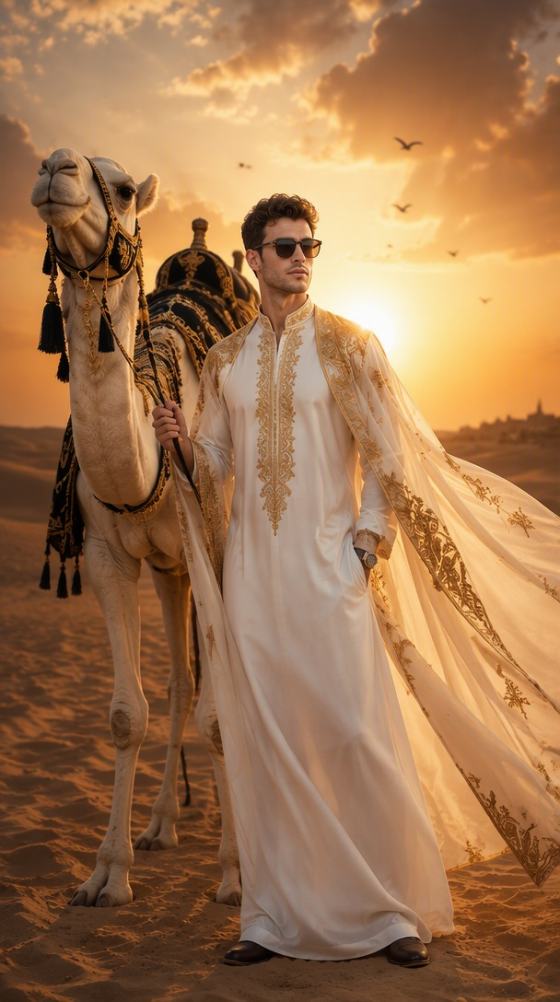
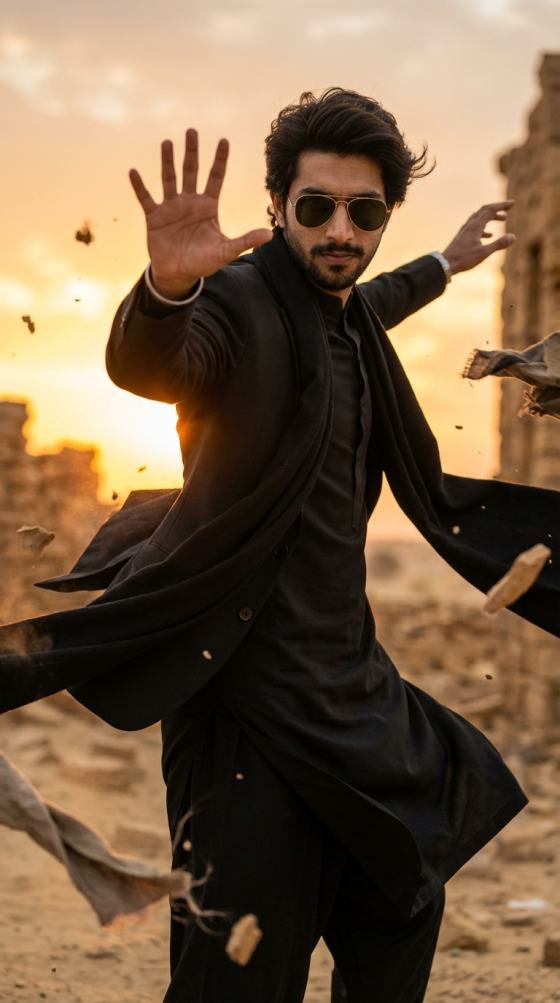
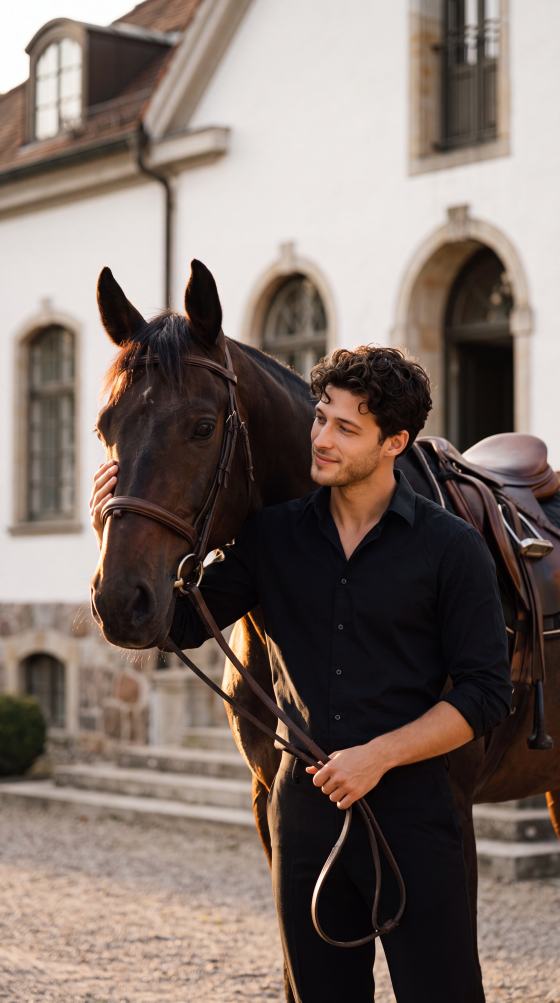
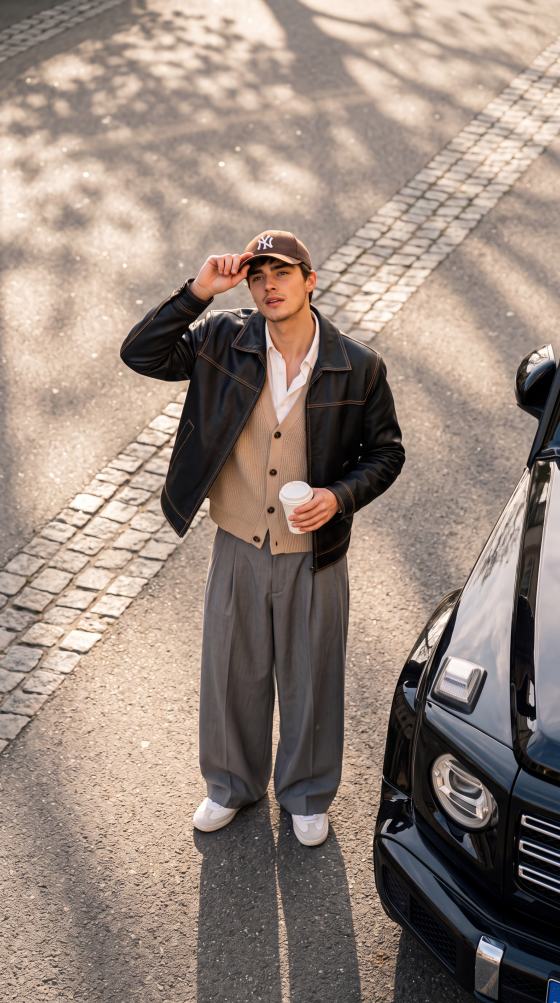
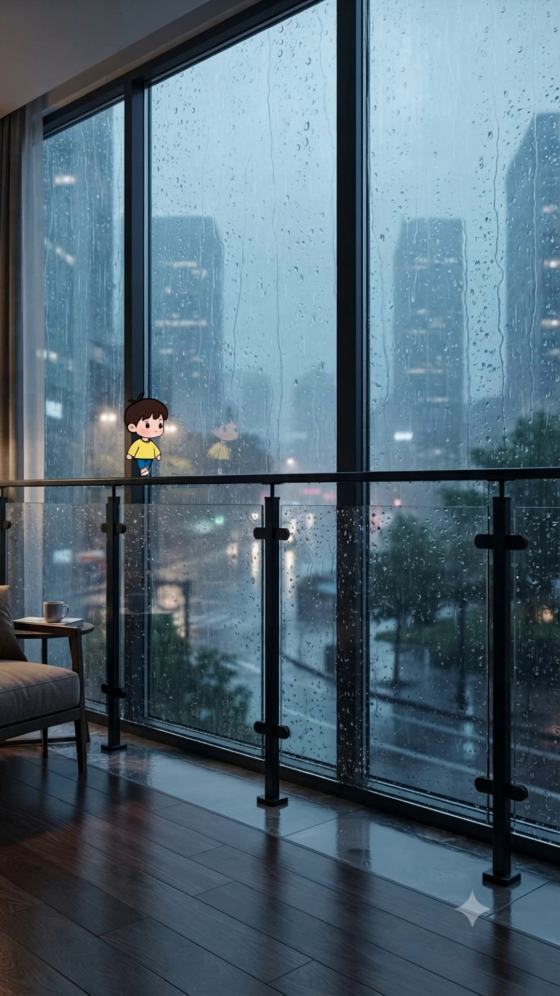
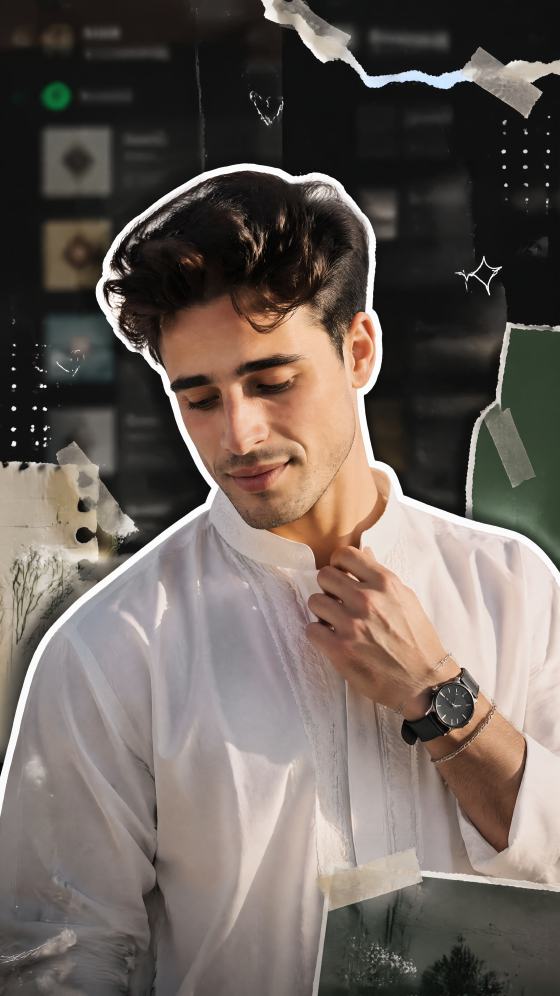

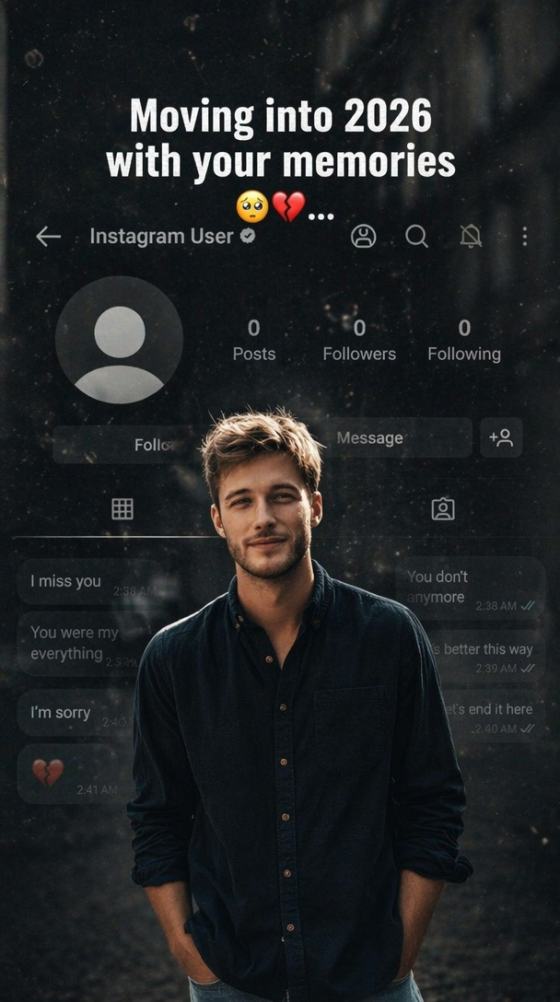


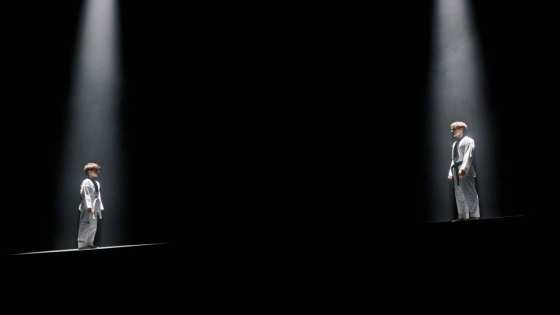
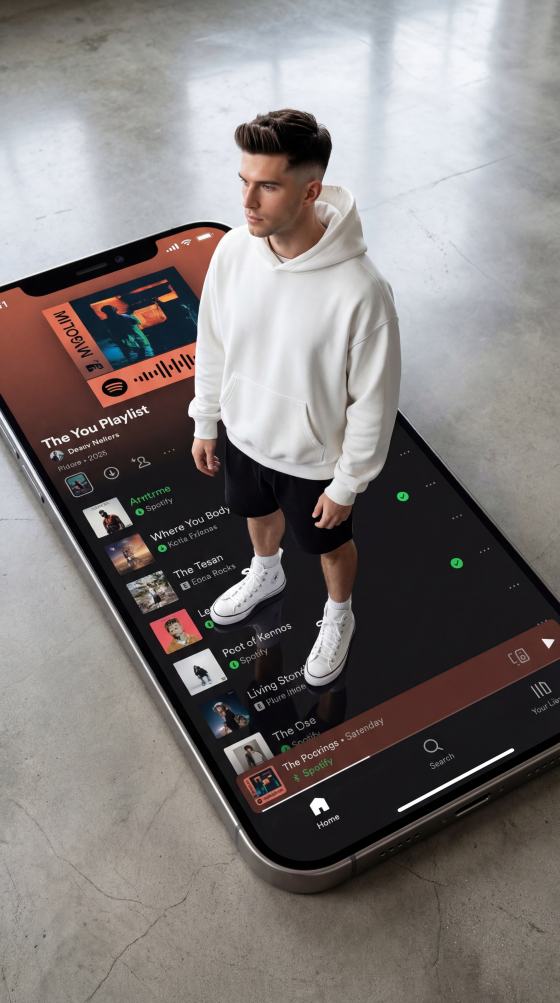

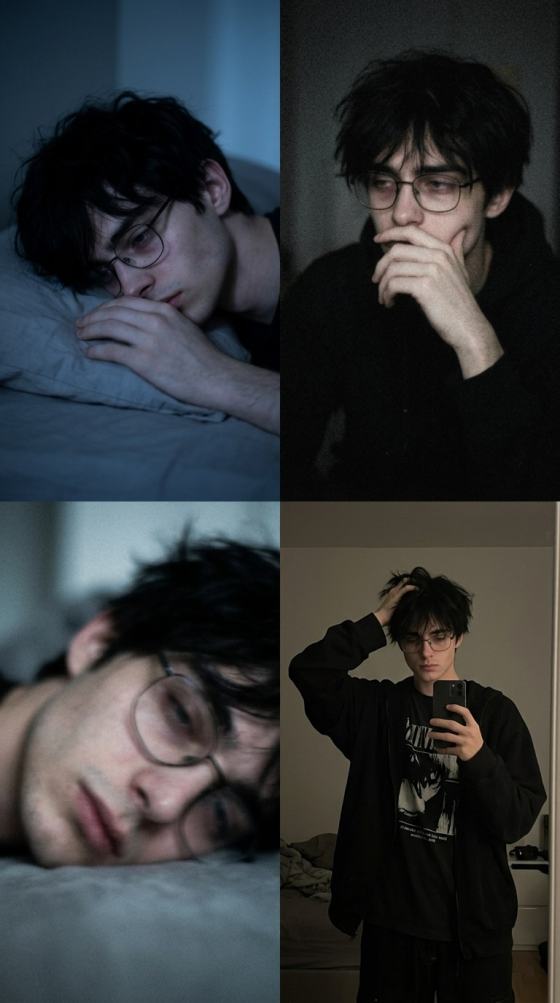
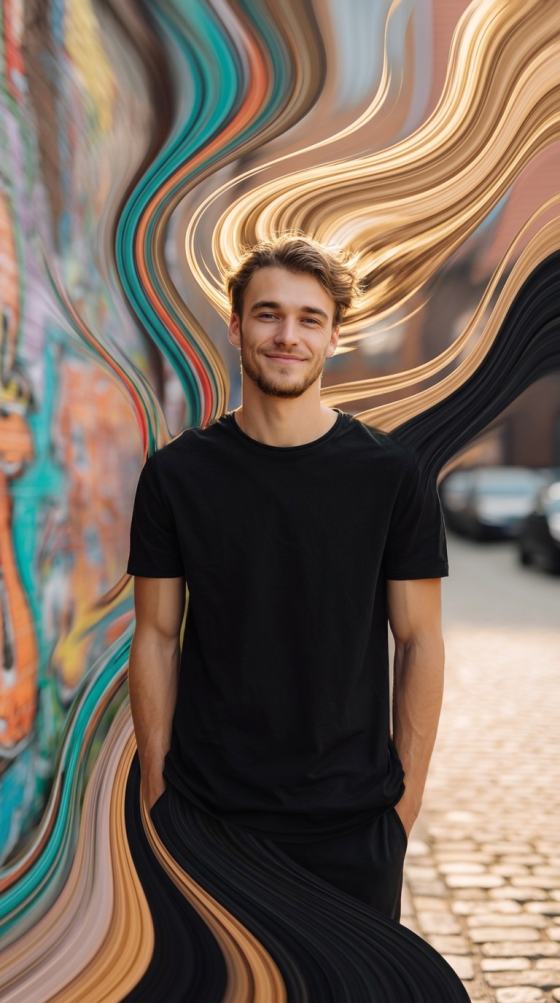
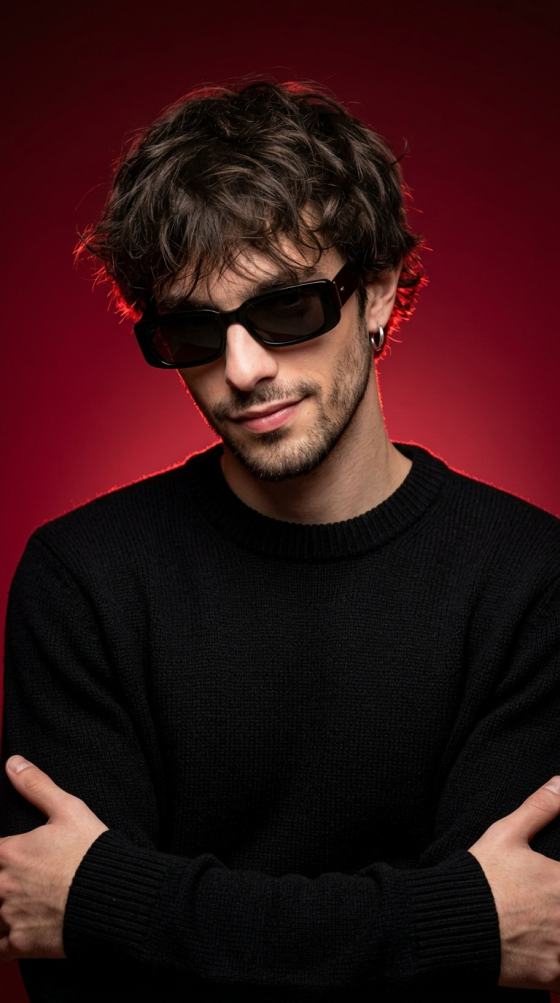
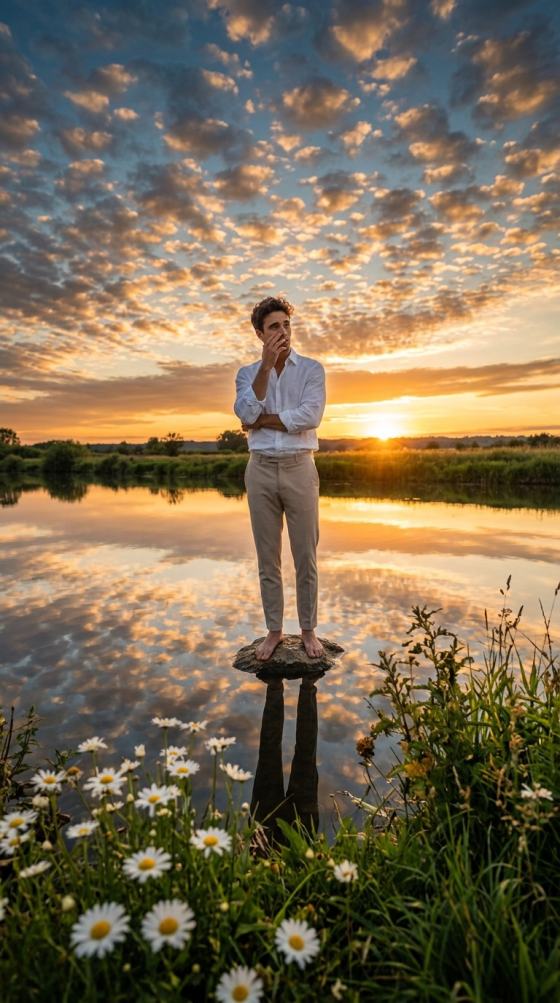

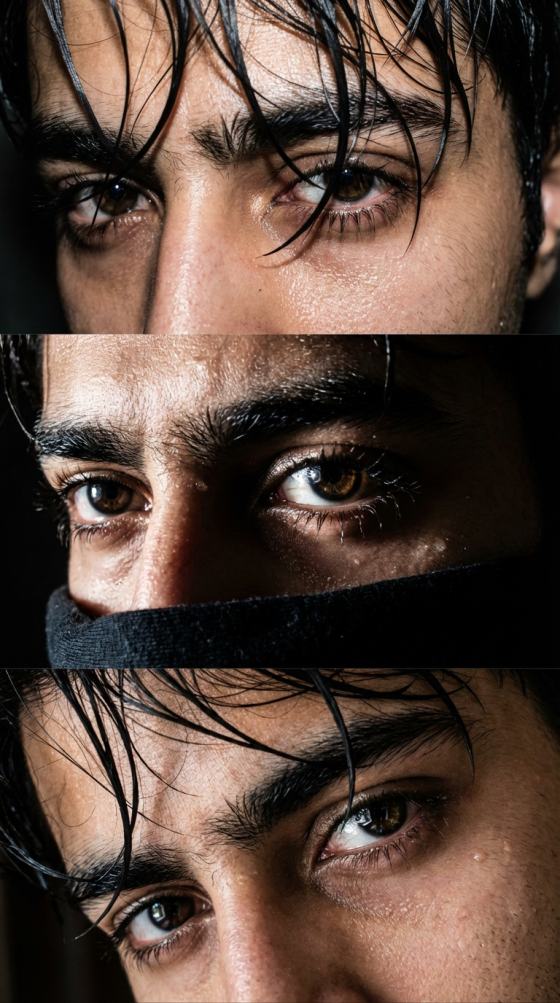
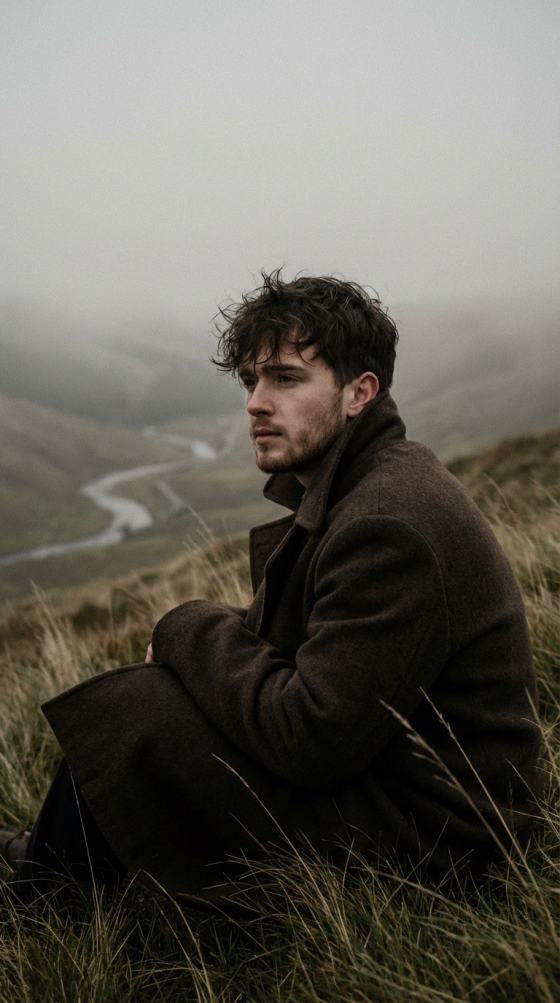
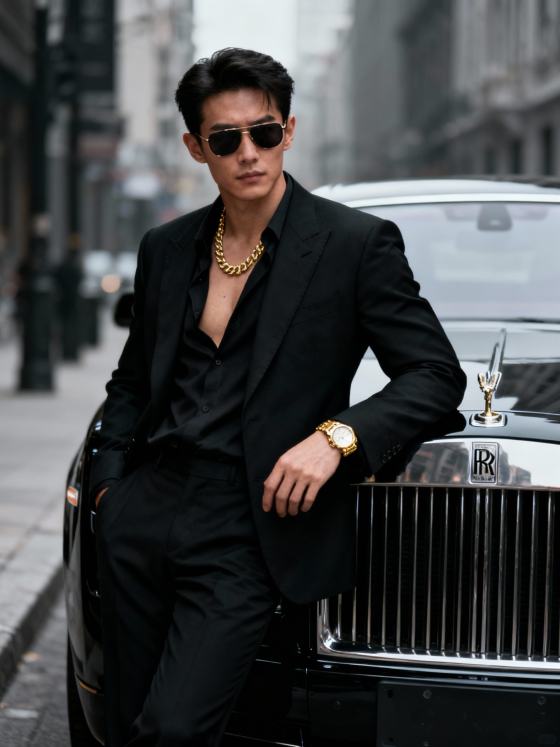
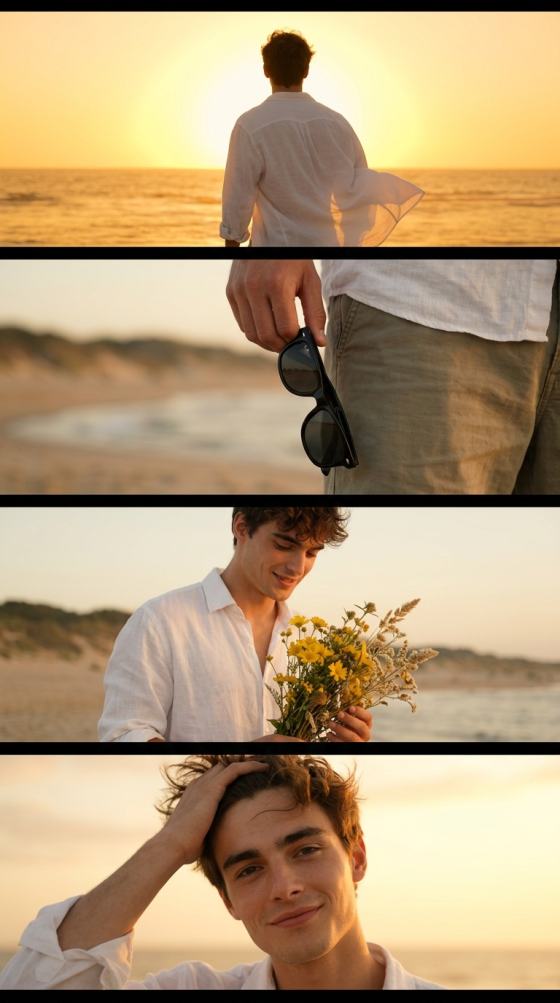
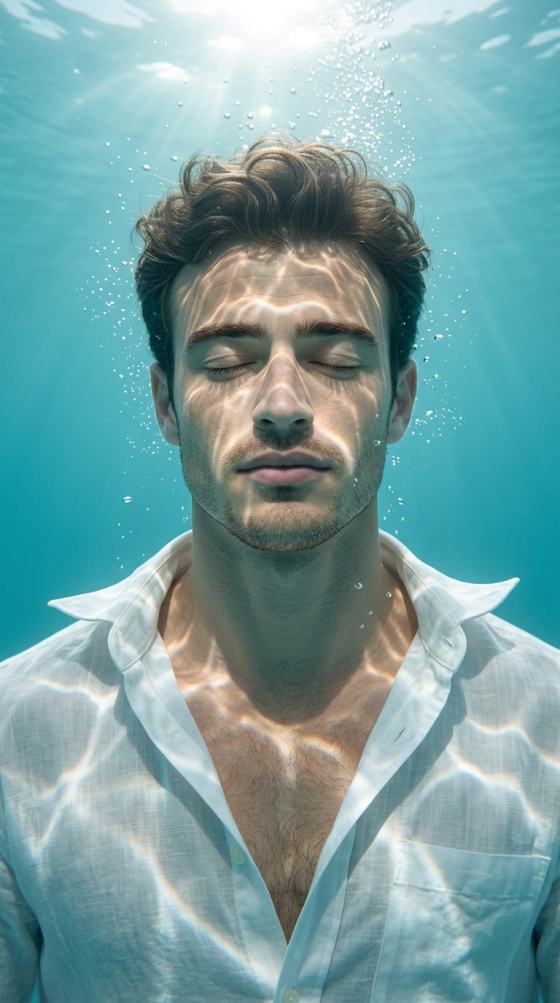
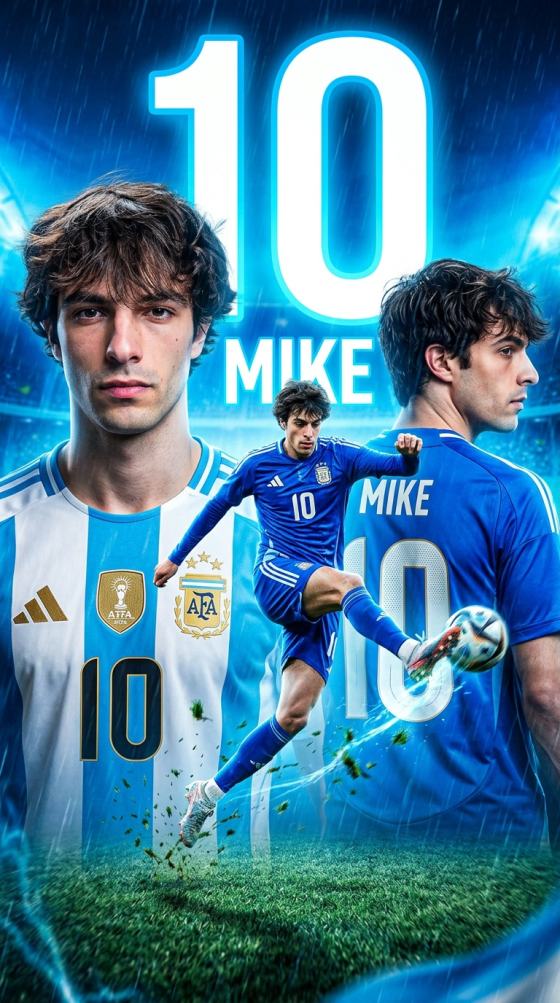
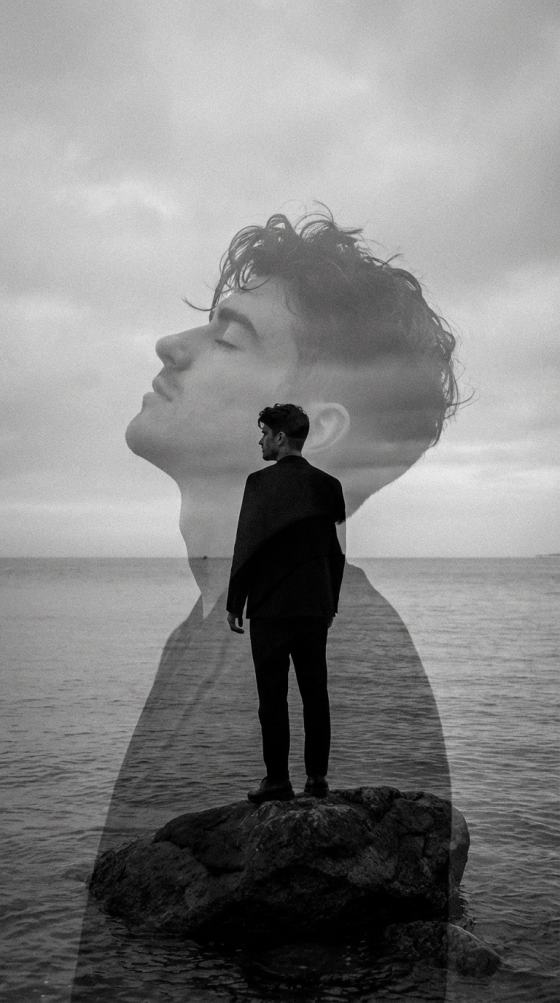
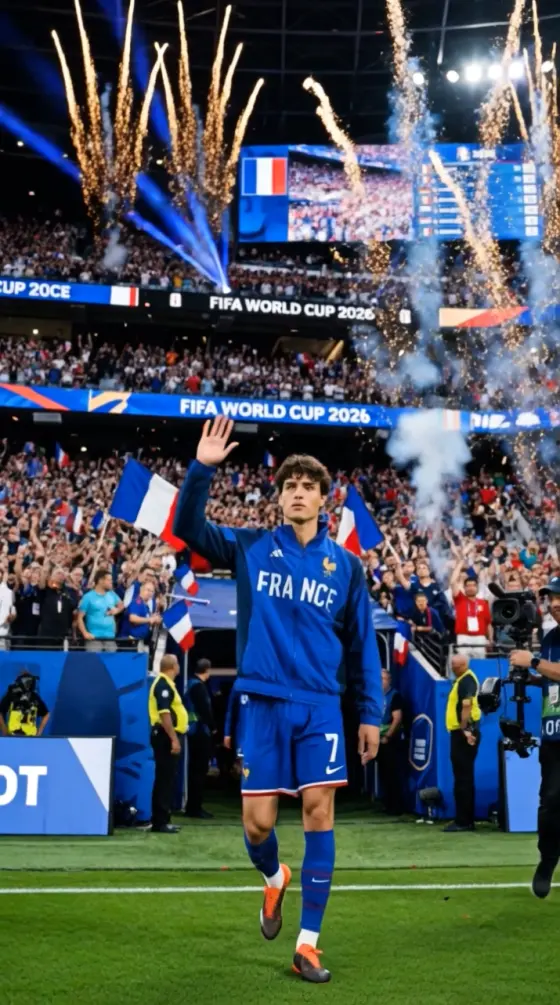
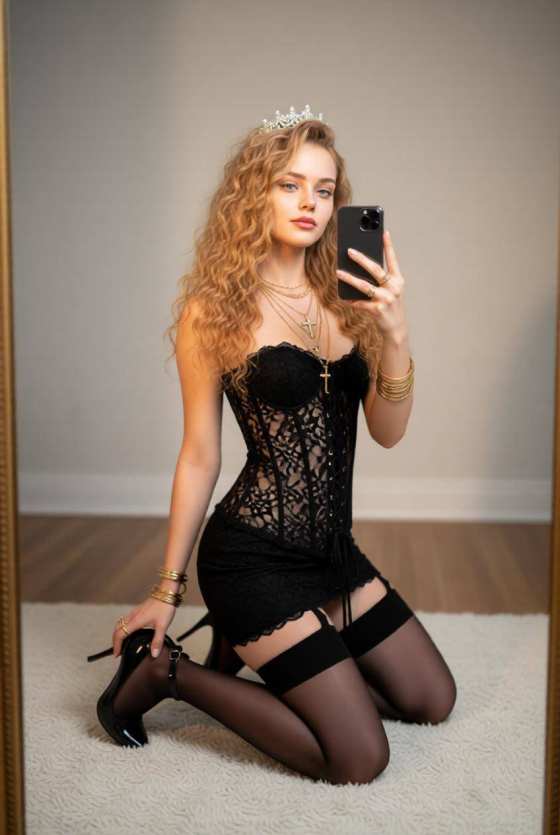

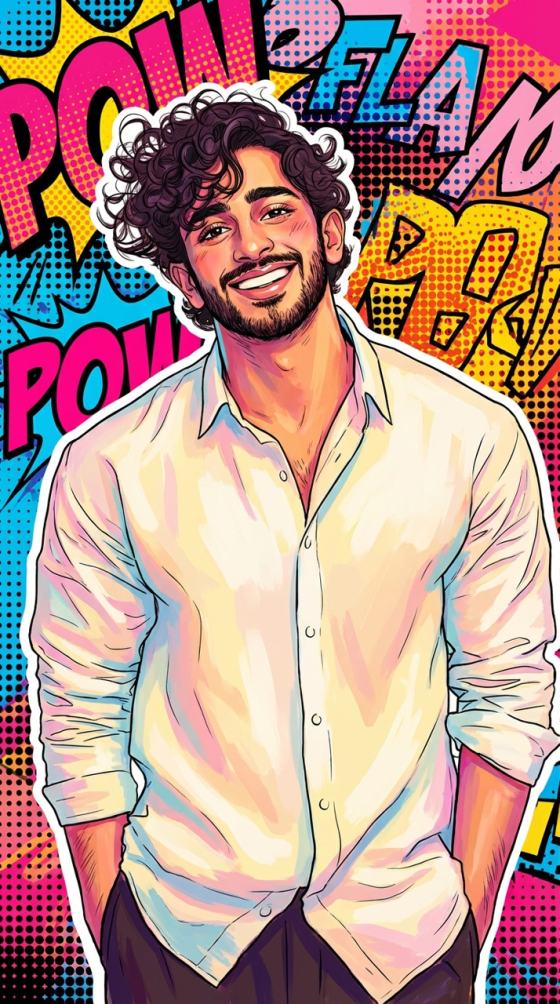
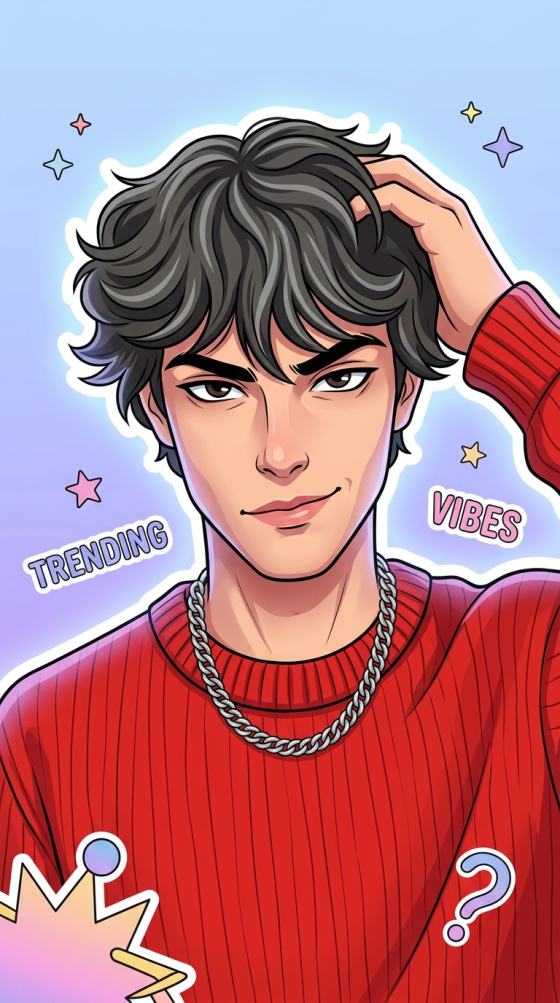
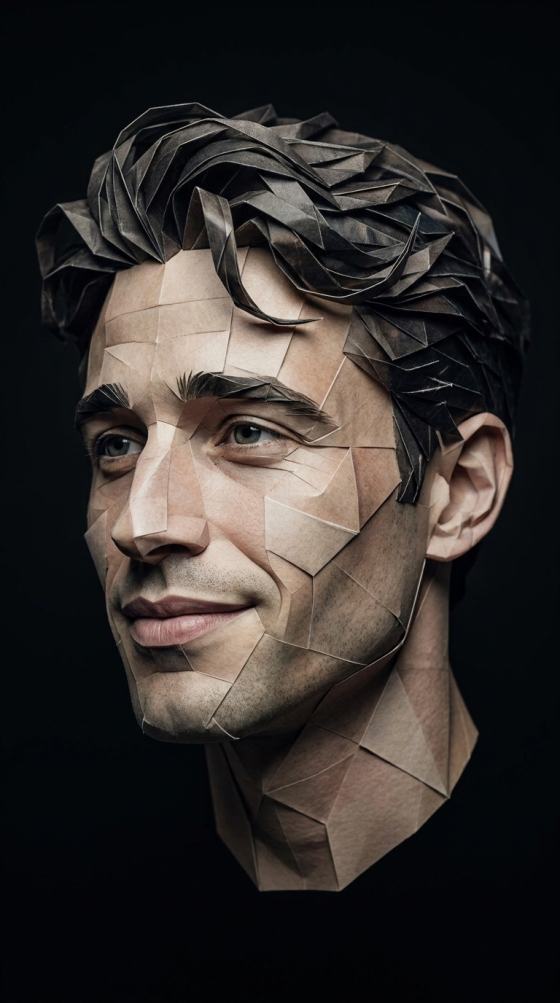
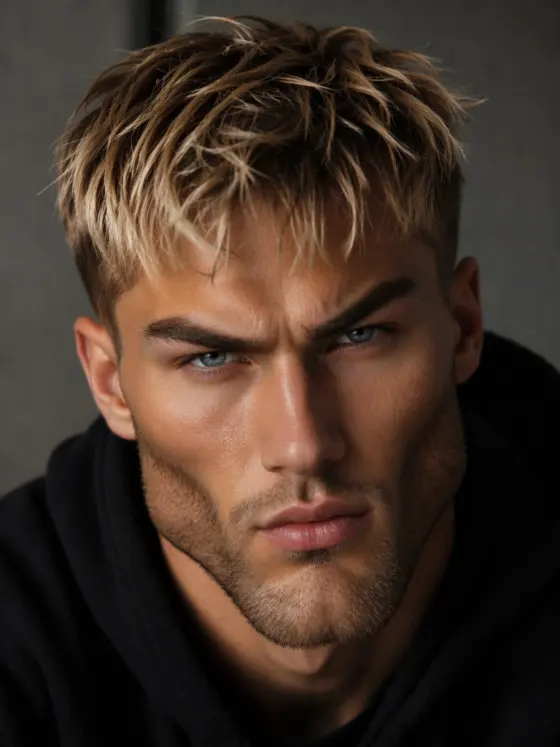
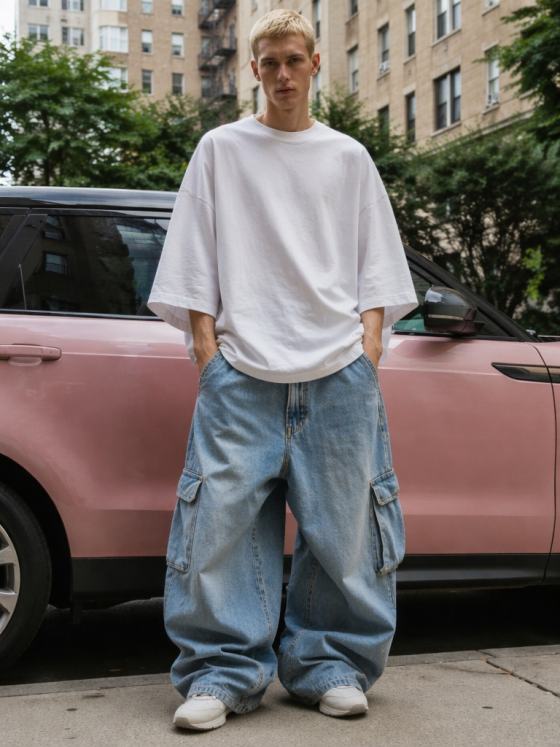
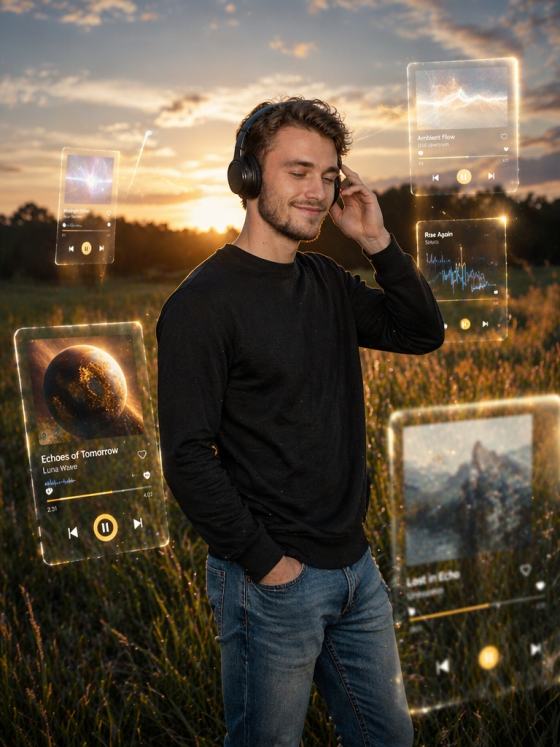
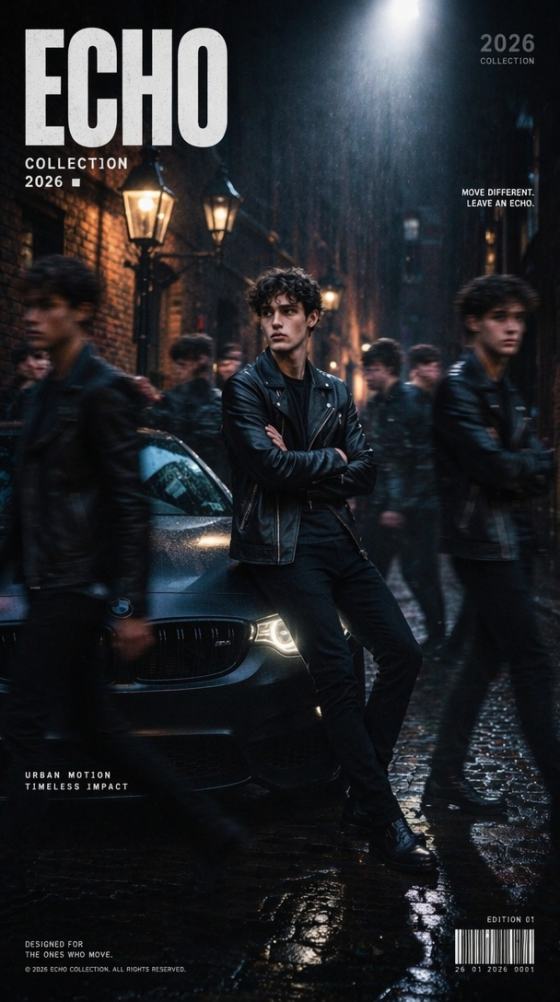

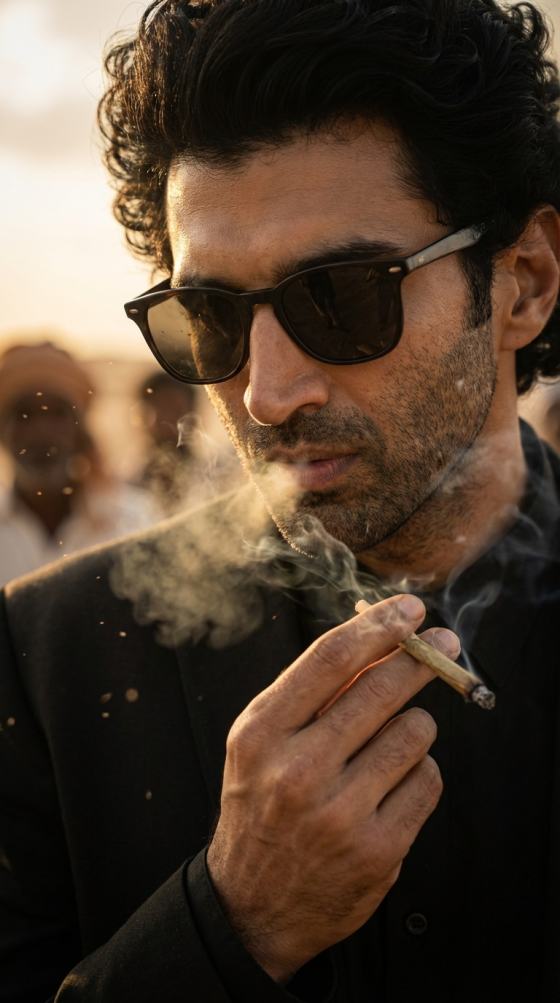


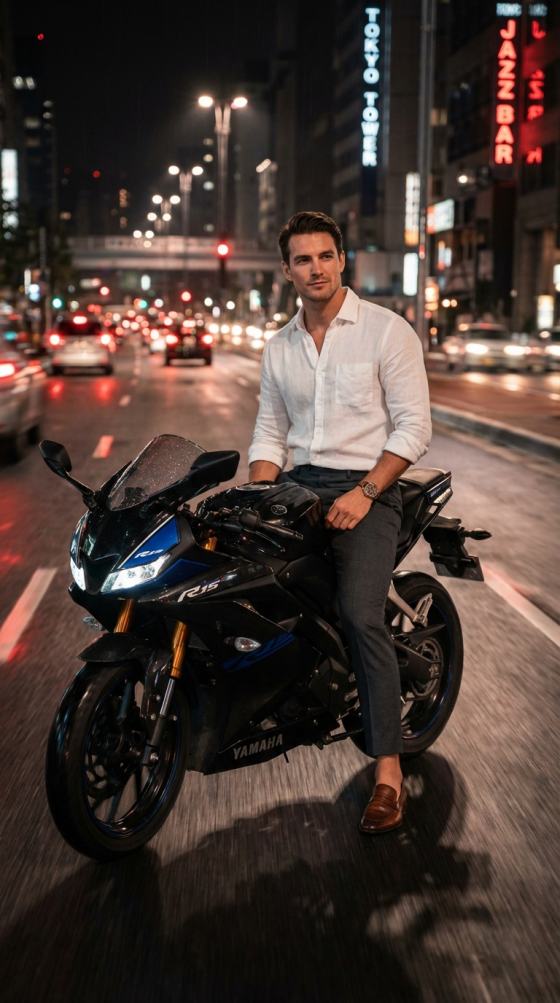

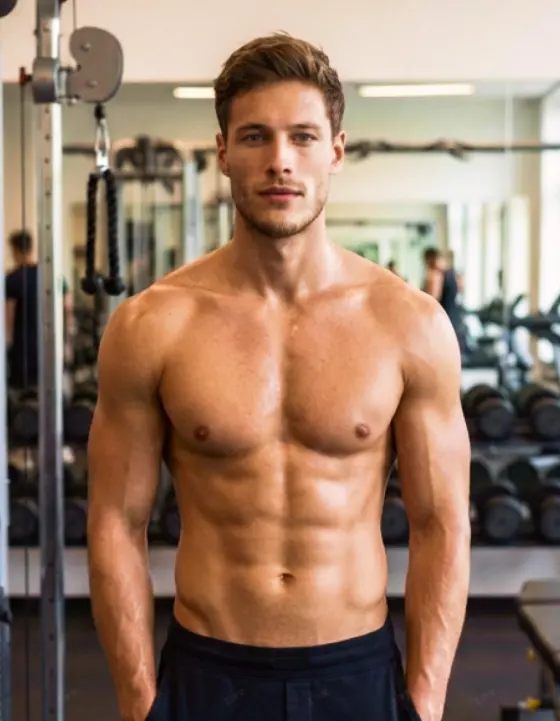
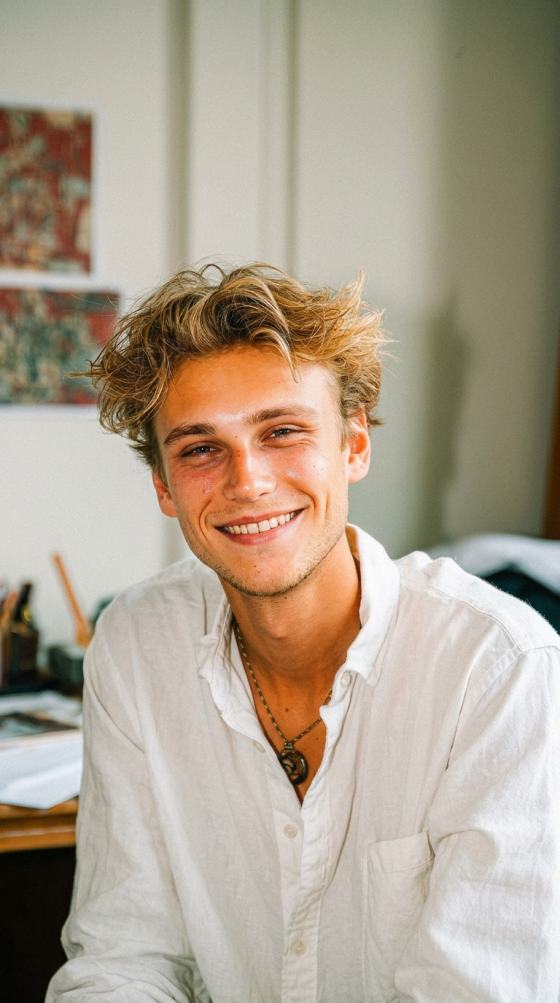

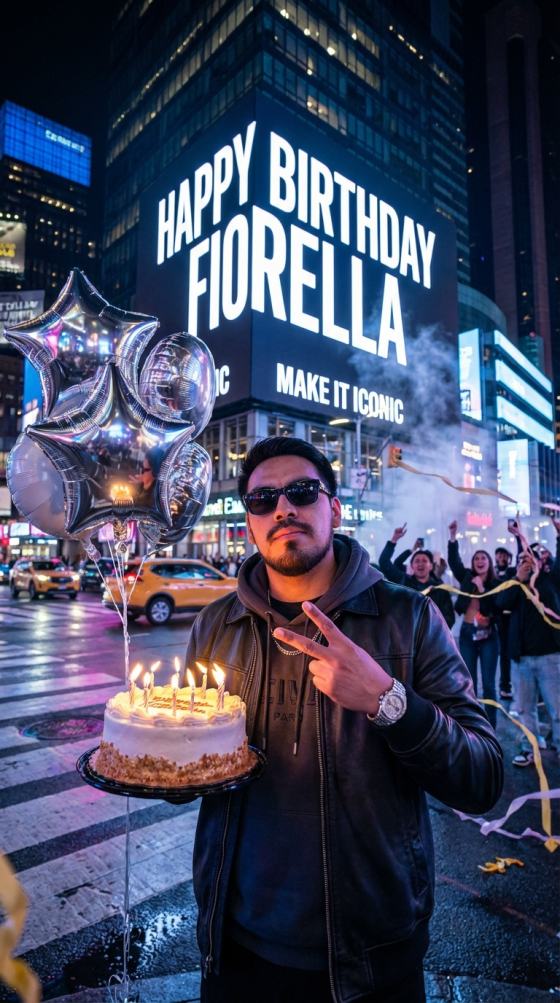
Wiedererstellen des viralenTahir EditzSchau mit KI an. Laden Sie ein Foto hoch und verwandeln Sie es in ein filmisches video im Slow-Motion-oder Speed-Ramp-Stil, inspiriert vonGemini Tahir Editz video, ChatGPT Tahir Editz, und trending CapCut edits-bereit für rollen, Shorts und soziale posts.
Kostenlose credits bei der Anmeldung.
Verwandeln Sie ein Porträt oder ein Ganzkörperfoto in eine Bearbeitung im Creator-Stil mit filmischer Kamerabewegung, dramatischem Tempo, sanfter Zeitlupe und sozialbereiter visueller Energie.
erstellen aChatGPT Tahir EditzOder Zwillinge-inspirierte look, ohne an eine Voreinstellung gesperrt zu sein. Passen Sie Szene, pose, outfit, Kamerabewegung, Beleuchtung und visuelle Behandlung rund um Ihr eigenes Foto an.
neu erstellen aCapCut Vorlage Tahir Editz slow motionfühlen oder aGeschwindigkeitsrampe CapCut template Tahir EditzStil mit kontrollierter Bewegung, dramatischer Beschleunigung, Verzögerung und filmischem framing.
Erstellen Sie 9:16-Bearbeitungen für Instagram Reels, YouTube Shorts, WhatsApp Status und ähnliche Plattformen. Testen Sie mehrere von Tahir Editz inspirierte Richtungen aus demselben Quellbild.
Wählen Sie ein klares Porträt oder ein Ganzkörperfoto mit einem sichtbaren Gesicht und einem gut definierten Motiv. Saubere Hintergründe und scharfe Quellbilder machen es normalerweise einfacher, Identität zu erhalten und gleichzeitig kinematische Bewegung hinzuzufügen.
Beschreiben Sie den gewünschten look: filmische Zeitlupe, Geschwindigkeitsrampe, dramatischer Spaziergang, Kamera-Push-In, Einstellungsbearbeitung, urbanes Porträt oder eine andere von Tahir Editz inspirierte visuelle Richtung.
Generieren Sie Ihr video, verfeinern Sie bei Bedarf die Bewegung oder die Eingabeaufforderung und exportieren Sie Ihr Lieblingsergebnis für Rollen, Shorts, WhatsApp-Status oder andere soziale Beiträge.

Kurzformular-Ersteller

"Glättere kinematische Bewegung."Mein Porträt verwandelte sich in eine polierte vertikale Bearbeitung mit kontrollierter Verzögerung und einer filmischen Kamerabewegung, die sich für Rollen anfühlte.
Schöpfer von Rollen
"Geschwindigkeitsrampen fühlen sich poliert an."Ich wollte eine Geschwindigkeitsrampe im Stil von Tahir Editz, ohne die gesamte Bearbeitung manuell neu zu erstellen. Die generierte Bewegung gab mir einen starken Ausgangspunkt für Instagram.
KI-Content-Ersteller
"Einfach anzupassen."Ich könnte verschiedene ChatGPT-und Gemini-Prompt-Ideen aus demselben Foto testen und dann die version mit der besten Bewegung und Einstellung behalten.
Gemini Tahir Editz videoBezieht sich im Allgemeinen auf Foto-und Videobearbeitungen im Creator-Stil, die mit Tahir Editz verbunden sind und mit KI-gestützten Eingabeaufforderungen oder Bearbeitungsabläufen neu erstellt wurden. Die visuelle Sprache konzentriert sich oft auf dramatische Porträts, einstellungsorientierte Szenen, filmische Kamerabewegungen, Zeitlupe und Geschwindigkeitsänderungen. Mit Media.io können Sie Ihr eigenes Bild hochladen und die gewünschte Bewegung und Stimmung beschreiben, was Ihnen mehr Flexibilität als eine feste Voreinstellung bietet und gleichzeitig das Ergebnis für kurze soziale Videos geeignet bleibt.
Ja. Wenn Sie eineChatGPT Tahir EditzWenn Sie auffordern oder den look mit Ihren eigenen Worten beschreiben möchten, können Sie diese Idee als kreative Richtung für ein KI-generiertes Bild oder video verwenden. Für bessere Ergebnisse geben Sie Motiv, Kleidung, Umgebung, Beleuchtung, Kamerawinkel, Bewegung und Tempo an, anstatt nur "Tahir Editz" einzugeben. Media.io kann Ihr Quellfoto dann in ein individuelles filmisches Ergebnis umwandeln, das Sie vor dem Teilen verfeinern können.
Suche nachTahir Editz CapCutoder aTahir Editz VorlageSie können sich auf vom Ersteller erstellte Bearbeitungen, Vorlagenlinks oder videos beziehen, die den gleichen Bearbeitungsstil nachahmen. Die Verfügbarkeit eines genauen CapCut-Projekts hängt vom ursprünglichen Ersteller, der region und davon ab, ob die Vorlage noch aktiv ist. Media.io ist nützlich, wenn Sie das visuelle Konzept aus Ihrem eigenen Foto neu erstellen möchten, anstatt auf einen Vorlagenlink angewiesen zu sein. Sie können die Eingabeaufforderung, Szene, Bewegung und das Gesamtbild steuern.
um ein neu zu erstellenCapCut Vorlage Tahir Editz slow motionSchauen Sie, beginnen Sie mit einem klaren Foto und beschreiben Sie eine kontrollierte Aktion, wie zum Beispiel auf die Kamera zu gehen, den Kopf zu drehen, eine Sonnenbrille anzupassen oder eine subtile Posenänderung vorzunehmen. Fügen Sie Kameraanweisungen wie ein langsames Einschieben, eine Tracking-Aufnahme oder eine Bewegung in einem niedrigen Winkel hinzu. Halten Sie die Bewegung realistisch und vermeiden Sie, zu viele Aktionen in einer Eingabeaufforderung zu stapeln. Eine einfache Motivaktion plus eine klare Kamerarichtung führt in der Regel zu einem saubereren kurzen Ergebnis.
A Geschwindigkeitsrampe CapCut template Tahir EditzVerwendet spürbare Änderungen der Wiedergabegeschwindigkeit, um einen Spaziergang, eine pose, eine Enthüllung oder eine Kamerabewegung dramatischer zu machen. Sie können diese Energie mit KI-generierter Bewegung annähern und dann die timing in einem editor feinstimmen, wenn Sie eine Steuerung auf Bildebene benötigen.JZAASErscheint in Suchanfragen rund um dieses Thema, aber die mitgelieferte Seitenvorlage stellt keine zuverlässige definition oder offizielle Beziehung zu Tahir Editz her. Behandeln Sie es als Entdeckungsschlüsselwort, es sei denn, Sie haben einen verifizierten Ersteller oder eine Vorlagenquelle.
 4.7 (162.357 Stimmen)