Expressive Adela-Inspired Choreography
Capture a poised, theatrical dance mood with controlled arm gestures, expressive turns, and confident footwork. Describe the movement clearly rather than relying on a celebrity name alone.
Turn your portrait into a Nicole Kidman Dance AI Video inspired by the Adela dance trend. Reimagine the poised, expressive dance aesthetic with fluid arm movements, confident steps, and cinematic framing. Use Media.io Image to Video to make an original dance edit from your own photo.
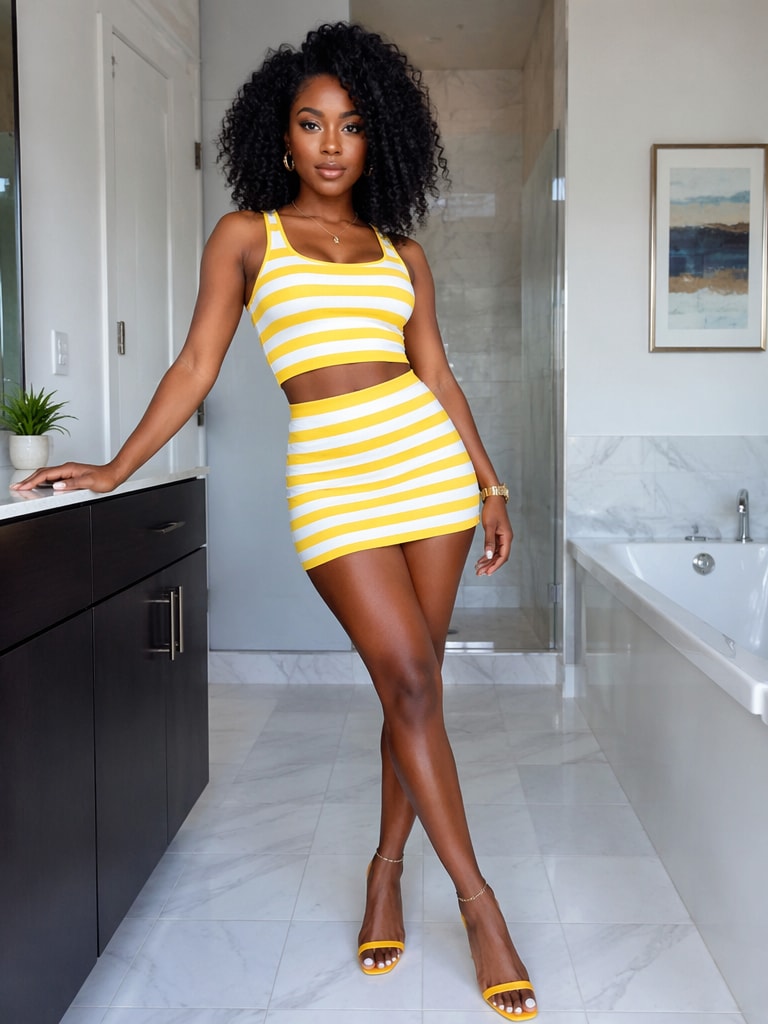
From a still image to an expressive AI dance video.
Upload a clear portrait. Generated motion, music, and available model settings may vary.
Capture a poised, theatrical dance mood with controlled arm gestures, expressive turns, and confident footwork. Describe the movement clearly rather than relying on a celebrity name alone.
Try a full-body shot, elegant camera tracking, and stage-like lighting to make the dance readable. A steady view helps preserve the body and movement through the clip.
Start with a well-lit portrait or full-body photo. Ask the AI to maintain the subject’s face, clothing, and proportions while adding natural, coordinated movement.
Create a vertical clip for TikTok, Reels, or Shorts, then add licensed audio and trim the sequence to your preferred beat in an editor.
Choose a sharp photo of yourself or a person who has agreed to be featured. A visible upper body or full-body pose with uncluttered surroundings gives the model better guidance for dance motion.
Describe confident rhythmic steps, expressive hand and arm movements, smooth turns, stable anatomy, and cinematic lighting. Choose a suitable image-to-video model and vertical format if available.
Generate the dance clip, check facial consistency and hand movement, then refine your prompt if needed. Add properly licensed music and export for TikTok, Reels, or Shorts.
The Nicole Kidman dance AI video theme refers to short-form edits inspired by the expressive dance aesthetic associated with Nicole Kidman and the Adela dance trend. Creators can use image-to-video tools to animate an original portrait with theatrical gestures and confident movement. Exact choreography, audio, and source references vary by post.
Open Media.io Image to Video, upload a clear photo you have permission to use, and paste a dance prompt describing the body movements, framing, lighting, and mood. Generate a clip and review it for realistic motion. Model options, credits, and available clip lengths may vary.
Try: “Animate my photo as an elegant, expressive solo dance with confident rhythmic steps, fluid arm gestures, a controlled turn, and warm cinematic lighting. Keep my facial identity consistent, show the full body, and use smooth natural movement.” This captures the mood without requiring an exact copy of any performance.
For the safest original edit, use your own likeness or an image you have permission to animate. A celebrity-inspired mood does not give permission to impersonate a real person or reuse protected film footage or audio. Check publicity, copyright, platform, and disclosure requirements before posting, especially for commercial use.
Media.io access, pricing, credits, generation duration, and model availability depend on the current workflow. AI motion may differ from a reference template, especially for complex turns, hands, and footwork. Start with a clear photo and a concise sequence, then regenerate or refine the prompt if needed.