Edite Fotos Online
Utilize ferramentas de edição de fotos com IA diretamente no navegador, sem instalar programas no computador. Faça upload da sua imagem, escolha uma tarefa e comece a editar de qualquer dispositivo compatível.

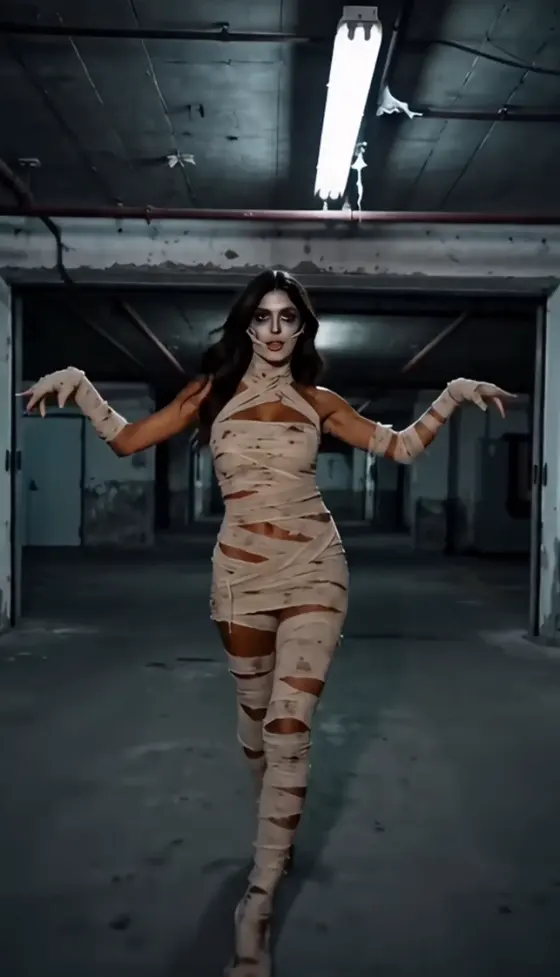







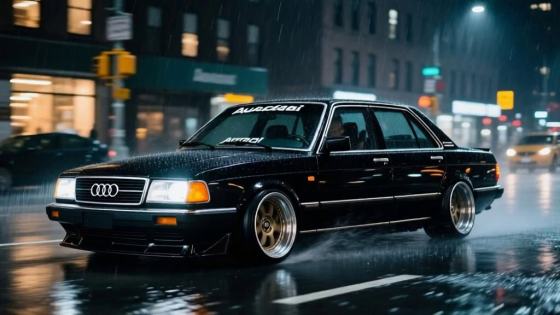







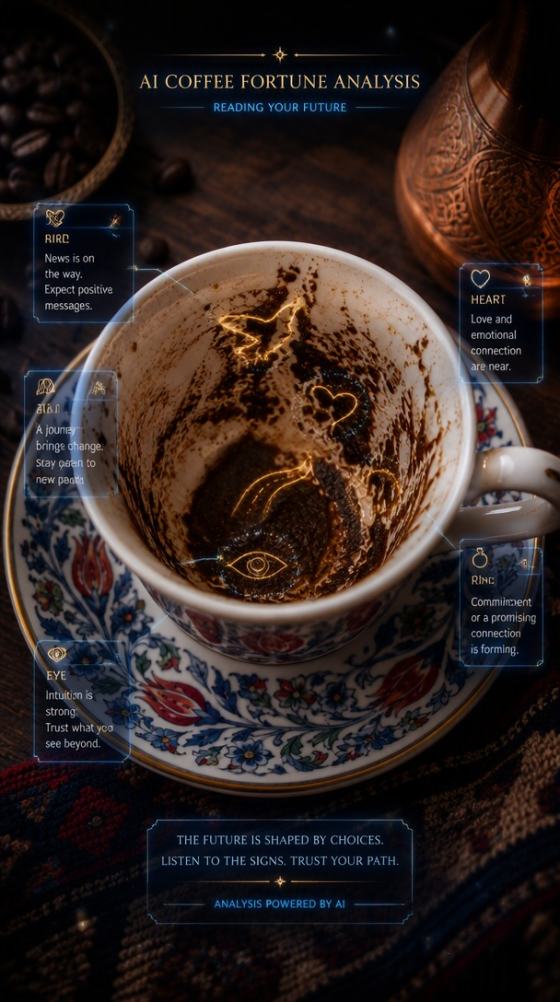














Procurando uma IObit Editor de Fotos com IA alternativa online? Edite retratos, remova ou substitua fundos, melhore a qualidade da imagem, mude o estilo das fotos e crie visuais gerados por IA diretamente no seu navegador com o Media.io—sem necessidade de instalação no computador.
Créditos grátis ao se cadastrar.
Utilize ferramentas de edição de fotos com IA diretamente no navegador, sem instalar programas no computador. Faça upload da sua imagem, escolha uma tarefa e comece a editar de qualquer dispositivo compatível.
Vá além do aprimoramento, troque o fundo, mude o estilo das imagens, transforme retratos, adicione efeitos criativos e crie variações visuais geradas por IA em um único fluxo de trabalho.
Descreva o visual desejado em vez de depender apenas de pré-ajustes com um clique. Ajuste o prompt, o estilo visual, o fundo, a iluminação e a composição até obter o resultado ideal para seu caso.
Crie fotos de perfil, imagens de produtos, postagens para redes sociais, miniaturas, retratos, materiais de marketing e edições criativas com IA sem trocar de várias ferramentas.
Escolha a foto que deseja aprimorar, mudar o estilo, limpar ou transformar. Imagens nítidas e de alta qualidade geralmente geram resultados melhores.
Aprimore a imagem, troque o fundo, remova elementos indesejados, mude o estilo do retrato ou descreva a direção visual com um prompt.
Veja o resultado, ajuste as configurações ou o prompt se necessário, depois exporte a imagem final para uso pessoal, social ou comercial.

Criadora de Conteúdo

“Tudo fica no navegador.” Eu pude melhorar um retrato e testar um fundo diferente sem instalar outro editor.
Vendedor de E-commerce
“Útil para imagens de produtos.” As opções de fundo e mudança visual facilitaram testar rapidamente diferentes estilos para fotos de produto.
Gerente de Mídias Sociais
“Mais criativo que um aprimoramento básico.” Eu consegui mudar de uma limpeza para um estilo visual totalmente diferente sem sair do fluxo de trabalho.
IObit Editor de Fotos com IA é pesquisado como uma solução de edição de fotos assistida por IA. Usuários normalmente buscam aprimoramento de imagem, edição de fundo, retoque de retratos, limpeza e outras funções automáticas para edição de fotos.
Sim. O Media.io oferece ferramentas de imagem com IA no navegador para aprimoramento, edição de imagem para imagem, mudanças de fundo, transformações criativas e geração por IA sem precisar instalar no computador.
Você pode começar com créditos gratuitos ao se cadastrar no Media.io. O custo exato em créditos e os modelos de IA disponíveis dependem da tarefa de edição ou geração escolhida.
Você pode aprimorar retratos, trocar fundos, mudar o estilo de imagens, criar novas variações visuais, gerar fotos de perfil, melhorar imagens de produtos e transformar fotos existentes em diferentes estilos criativos.
A melhor opção depende do seu fluxo de trabalho. Usuários que preferem uma experiência no navegador e querem edição prática de fotos junto com geração criativa por IA podem achar o Media.io mais flexível, enquanto outros podem preferir uma aplicação dedicada para computador.
 4,7 (162.357 Votos)