Click or drag to upload, or choose from My HistoryClick To UploadMy History
No ideas? Generate an image first >
Upload jpg, jpeg, png images up to 50 MB, with a minimum width/height of 300 px.
Peekaboo Hair Color Filter: Try Hidden Highlights
Want a flash of color without changing the hair everyone sees first? Experiment with violet, pink or blue underlayers using the AI peekaboo hair color filter. The top layer can stay close to your natural shade while a hidden section appears near your ears or ends. Start with a photo that shows at least a little underneath your hair, then compare how much color is visible. Pick the reveal you would feel comfortable wearing at work, at school or on a night out.
Use a photo with some underlayer hair visible near the ear or shoulder. A completely flat front view may hide the effect.
Peekaboo Color Hair Color Photo Editing Prompts
Choose how much color you want to see, not just a shade name. Color appears only at side, beneath hair or when hair moves. The prompts below separate delicate daytime finishes from stronger statement looks. Keep your face, hair length, existing cut and background fixed to compare color alone.
Violet Underlayer
Edit my uploaded portrait to preview violet underlayer: hidden contrasting underlayer color revealed beneath natural top sections. Color appears only at side, beneath hair or when hair moves. Keep my exact identity, skin, eyebrow shape, expression, haircut, hair length, pose, clothing, camera angle and background unchanged. Adjust only hair color and realistic color placement; maintain natural individual strands, root shadows and convincing highlights. No new hairstyle, makeup, accessories, text, logos, phones or mirrors. Keep intensity subtle and wearable.
Pastel Pink Peekaboo
Edit my uploaded portrait to preview pastel pink peekaboo: hidden contrasting underlayer color revealed beneath natural top sections. Color appears only at side, beneath hair or when hair moves. Keep my exact identity, skin, eyebrow shape, expression, haircut, hair length, pose, clothing, camera angle and background unchanged. Adjust only hair color and realistic color placement; maintain natural individual strands, root shadows and convincing highlights. No new hairstyle, makeup, accessories, text, logos, phones or mirrors. Add medium contrast with blended transitions.
Teal Hidden Panels
Edit my uploaded portrait to preview teal hidden panels: hidden contrasting underlayer color revealed beneath natural top sections. Color appears only at side, beneath hair or when hair moves. Keep my exact identity, skin, eyebrow shape, expression, haircut, hair length, pose, clothing, camera angle and background unchanged. Adjust only hair color and realistic color placement; maintain natural individual strands, root shadows and convincing highlights. No new hairstyle, makeup, accessories, text, logos, phones or mirrors. Make the shade vivid but believable.
Subtle Peekaboo Color
Edit my uploaded portrait to preview subtle peekaboo color: hidden contrasting underlayer color revealed beneath natural top sections. Color appears only at side, beneath hair or when hair moves. Keep my exact identity, skin, eyebrow shape, expression, haircut, hair length, pose, clothing, camera angle and background unchanged. Adjust only hair color and realistic color placement; maintain natural individual strands, root shadows and convincing highlights. No new hairstyle, makeup, accessories, text, logos, phones or mirrors. Use softly diffused color rather than hard stripes.
Dimensional Peekaboo Color
Edit my uploaded portrait to preview dimensional peekaboo color: hidden contrasting underlayer color revealed beneath natural top sections. Color appears only at side, beneath hair or when hair moves. Keep my exact identity, skin, eyebrow shape, expression, haircut, hair length, pose, clothing, camera angle and background unchanged. Adjust only hair color and realistic color placement; maintain natural individual strands, root shadows and convincing highlights. No new hairstyle, makeup, accessories, text, logos, phones or mirrors. Preserve multi-tonal depth and believable natural shadow.
Face-Framing Peekaboo Color
Edit my uploaded portrait to preview face-framing peekaboo color: hidden contrasting underlayer color revealed beneath natural top sections. Color appears only at side, beneath hair or when hair moves. Keep my exact identity, skin, eyebrow shape, expression, haircut, hair length, pose, clothing, camera angle and background unchanged. Adjust only hair color and realistic color placement; maintain natural individual strands, root shadows and convincing highlights. No new hairstyle, makeup, accessories, text, logos, phones or mirrors. Give the front strands a slightly brighter tonal emphasis.
Glossy Peekaboo Color
Edit my uploaded portrait to preview glossy peekaboo color: hidden contrasting underlayer color revealed beneath natural top sections. Color appears only at side, beneath hair or when hair moves. Keep my exact identity, skin, eyebrow shape, expression, haircut, hair length, pose, clothing, camera angle and background unchanged. Adjust only hair color and realistic color placement; maintain natural individual strands, root shadows and convincing highlights. No new hairstyle, makeup, accessories, text, logos, phones or mirrors. Favor reflective shine without changing overall exposure.
Natural-Light Peekaboo Color
Edit my uploaded portrait to preview natural-light peekaboo color: hidden contrasting underlayer color revealed beneath natural top sections. Color appears only at side, beneath hair or when hair moves. Keep my exact identity, skin, eyebrow shape, expression, haircut, hair length, pose, clothing, camera angle and background unchanged. Adjust only hair color and realistic color placement; maintain natural individual strands, root shadows and convincing highlights. No new hairstyle, makeup, accessories, text, logos, phones or mirrors. Show credible window-light color reflections.
Soft-Root Peekaboo Color
Edit my uploaded portrait to preview soft-root peekaboo color: hidden contrasting underlayer color revealed beneath natural top sections. Color appears only at side, beneath hair or when hair moves. Keep my exact identity, skin, eyebrow shape, expression, haircut, hair length, pose, clothing, camera angle and background unchanged. Adjust only hair color and realistic color placement; maintain natural individual strands, root shadows and convincing highlights. No new hairstyle, makeup, accessories, text, logos, phones or mirrors. Keep natural root depth and smooth transition.
Bold Peekaboo Color
Edit my uploaded portrait to preview bold peekaboo color: hidden contrasting underlayer color revealed beneath natural top sections. Color appears only at side, beneath hair or when hair moves. Keep my exact identity, skin, eyebrow shape, expression, haircut, hair length, pose, clothing, camera angle and background unchanged. Adjust only hair color and realistic color placement; maintain natural individual strands, root shadows and convincing highlights. No new hairstyle, makeup, accessories, text, logos, phones or mirrors. Make the target shade immediately legible at a glance.
Peekaboo Hair Color: Choose the Hidden Layer and Shade
Color the Underlayer, Not the Surface
Peekaboo color lives underneath the top hair. If the entire crown changes color, you are seeing an all-over dye preview rather than a hidden-panel effect.
Choose Where the Color Peeks Out
Some looks show at the nape, others near the ears or bottom layers. Test the placement that will actually appear when you tuck hair back or move the ends.
Try Bold Colors Without Replacing Your Base
Violet, pink and blue can look very different against dark or light hair. Keep the same outer color and compare what each hidden shade does to the overall feel of the style.
Keep Realistic Hair Separation
A good preview follows strands and layers, not a solid painted stripe across the neck. Check that the colored hair seems to sit underneath rather than on top of the hairstyle.
How to Try Peekaboo Hair Color on Your Photo
Try underlayer placement first, then change only the accent shade to keep comparisons meaningful.
Step 1
Upload Your Photo
Upload a clear front or three-quarter hair photo with the roots and color area visible. Use even light and keep your face, cut and background unfiltered.
Step 2
Choose a Haircut Filter or Enter a Prompt
Choose a suitable hair color preset if available or describe the target color and placement in a prompt. Keep the original haircut and facial features unchanged.
Step 3
Click Generate
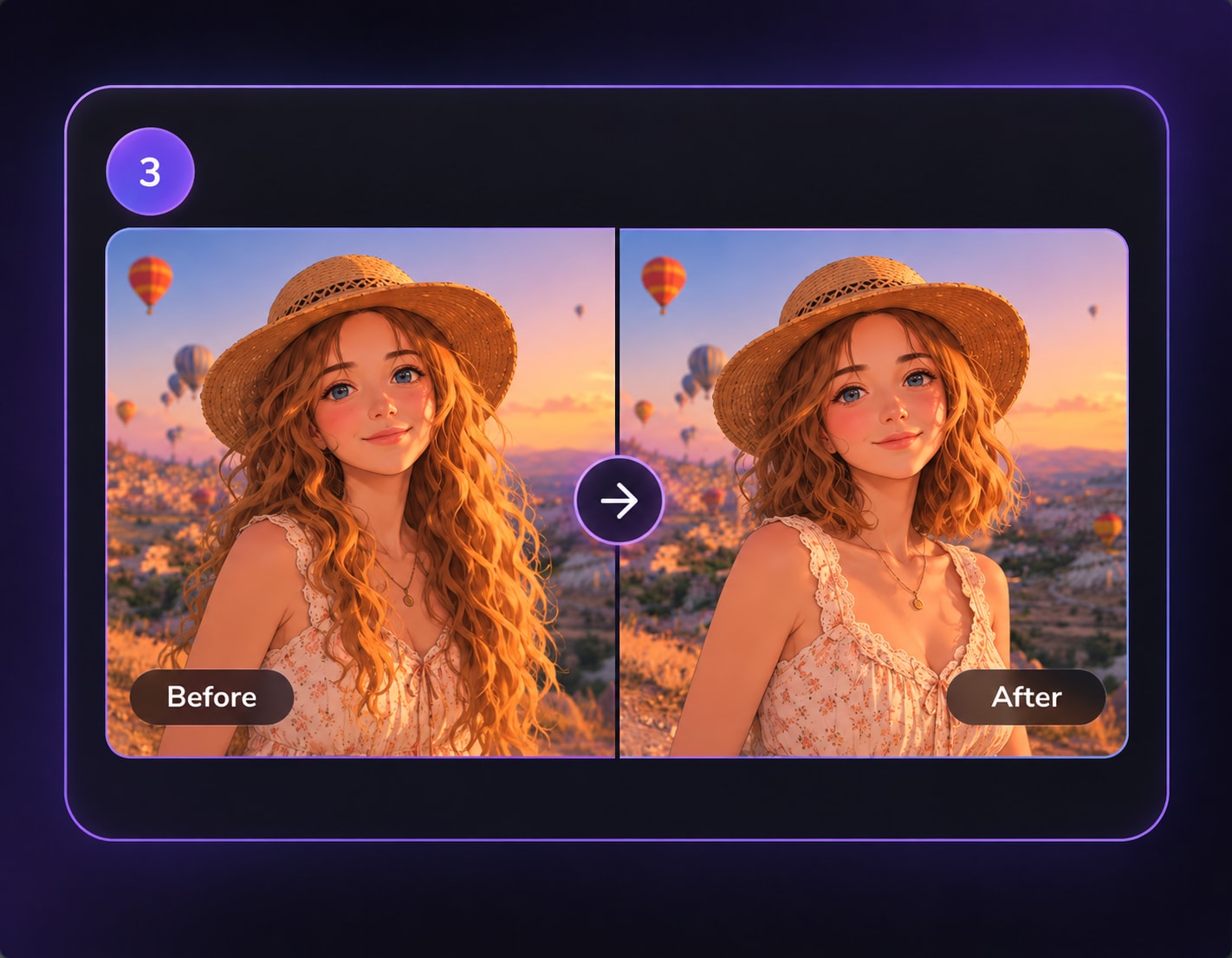
Click Generate. Check the color only against your original image, then refine its tone or placement if the first preview is too strong or too subtle.
Peekaboo Hair Color Ideas for Subtle and Bold Looks
A hidden section may be subtle when hair is down and more obvious when the lower layers are exposed.
Trying Color for the First Time
If bright hair seems like too much, preview a small hidden section. You can test how a fun shade looks without changing the color that frames most of your face.
Planning an Updo or Half-Up Look
Peekaboo panels show differently when hair is tied back. Test a version with visible underlayers and use it to explain where you want the color placed. An image showing the ear or nape gives the edit a believable place for those hidden panels to appear.
Choosing Between Two Fantasy Shades
Keep the natural top layer constant while comparing pink and violet, for example. This makes the decision about hidden color rather than a whole new hairstyle or photo filter.
Check the Underlayer in Your Peekaboo Hair Preview
Visible Color Change
Image review checklist
"Does the color match the idea?" The before must show uniform natural hair without colorful underneath sections. The after should show hidden contrasting underlayer color revealed beneath natural top sections. Reject an edit that only increases overall photo warmth.
Same Face and Hairstyle
Image review checklist
"Did the edit preserve your features?" Compare face shape, hair length, haircut, background and clothing. A useful virtual color test leaves these unchanged.
Placement and Strands
Image review checklist
"Does color follow real strands?" Look for color appears only at side, beneath hair or when hair moves. Check that color follows actual strands and is not painted onto skin or the background.
Real-World Expectations
Image review checklist
"Is this a reference, not a promise?" Use this image to discuss your preferred appearance. Real coloring depends on your starting color, treatment history and the technique chosen by your stylist.
Peekaboo color is placed under the outer layer of hair and becomes visible when the hair moves, separates or is styled to reveal the lower sections.
2. Can I try hidden color without changing my top hair?
Yes. Describe the original outer layer as unchanged and specify colored sections beneath it. Use a photo where some lower layers are visible so the result can be evaluated.
3. Where should peekaboo highlights go?
Common visual placements include near the ears, nape or lower lengths. The best choice depends on your haircut and how often you wear your hair up or down.
4. What if the AI turns all my hair purple?
Ask specifically for purple underlayers and untouched outer strands. A clear side or three-quarter photo can make the boundary between layers easier to maintain.
5. How can I preview peekaboo hair color with Media.io?
Upload a photo, enter a prompt naming the underlayer color and placement or choose a suitable available option, then Generate. Compare different hidden placements while preserving your original cut.
6. Will the underlayer be visible with my normal hairstyle?
That depends on your layers, length and styling. AI can visualize a possible reveal, but a stylist can assess where the color should sit for your everyday hair movement.
Compare Peekaboo Hair Color with Other Highlight Styles