AI Character
Nano Banana Pro
0/2000
1K
3:4
View Type
Creative Model Card
Creative Model Card
For stylized concepts and quick exploration.
Style
Realistic
Realistic
All
Added
Not Added
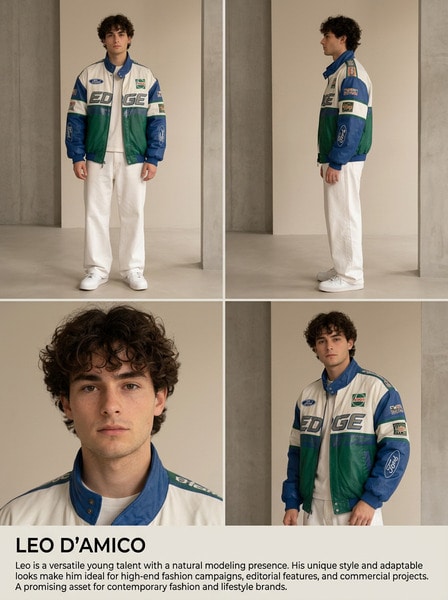
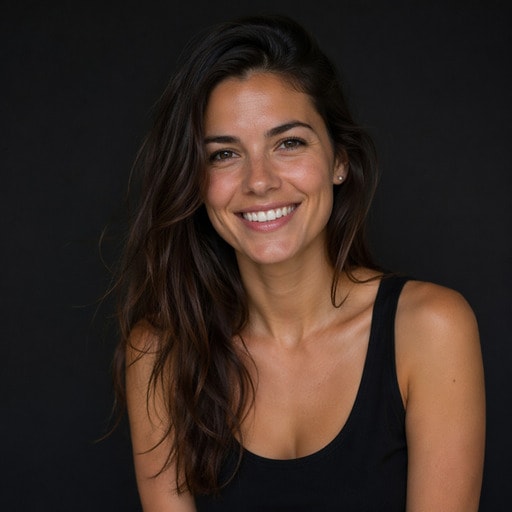
Generate reusable AI characters and brand influencers
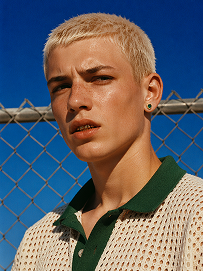
Outdoor bust portrait, cool teenage young man with short platinum blonde buzz cut, freckles across nose and cheeks, gold teeth grills on front teeth, single emerald green gem earring in left ear, sweat drop on cheek, wearing off-white open-knit polo shirt with dark green collar, standing in front of chain-link fence, vivid deep blue clear sky background, harsh bright midday direct sunlight, high contrast sharp shadows, 90s street fashion editorial photography, realistic skin texture, film grain, saturated vibrant color grading, shot on 35mm film, ultra detailed, 8K, sharp focus
Use Prompt
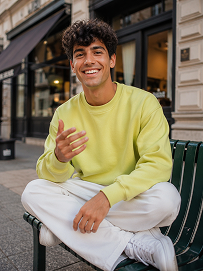
Realistic treet portrait, handsome young man with fluffy dark curly hair, sitting cross-legged on a dark green outdoor metal bench on city sidewalk, big bright smile showing teeth, right hand raised gesturing as if chatting, wearing lime yellow crew neck sweatshirt, loose white casual trousers, white sneakers, modern urban building background with shallow depth of field, natural soft daylight, lifelike skin texture, casual lifestyle photography, shot on Canon R5, 50mm f/1.8 lens, sharp focus, 8K, ultra detailed, warm natural tone
Use Prompt
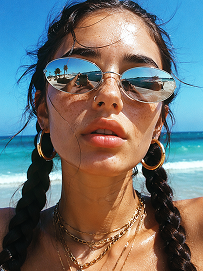
Close-up beach portrait, young woman with two thick dark long braids, freckles all over nose and cheeks, futuristic silver oval mirrored sunglasses reflecting beach scenery, large gold hoop earrings, layered multiple gold chain necklaces, slightly open mouth, bright harsh summer midday sunlight, clear turquoise ocean and blue sky background, wind blowing stray hair strands on face, realistic skin texture, sun-kissed complexion, vintage film grain, summer coastal fashion photography, sharp details, high saturation, shot on 35mm film, 8K ultra realistic
Use Prompt

Firefighter Headshots That Build Community Confidence

Create respectful firefighter portraits for department pages, recruiting campaigns, public safety bios, and training profiles. Media.io helps you generate a clean, credible look that fits modern fire department branding. Use it to keep visuals consistent across outreach materials, staff directories, and social posts.

Generate Firefighter Headshots

Tip: Try a studio portrait, turnout gear, or a station-ready background for a more authentic department look.

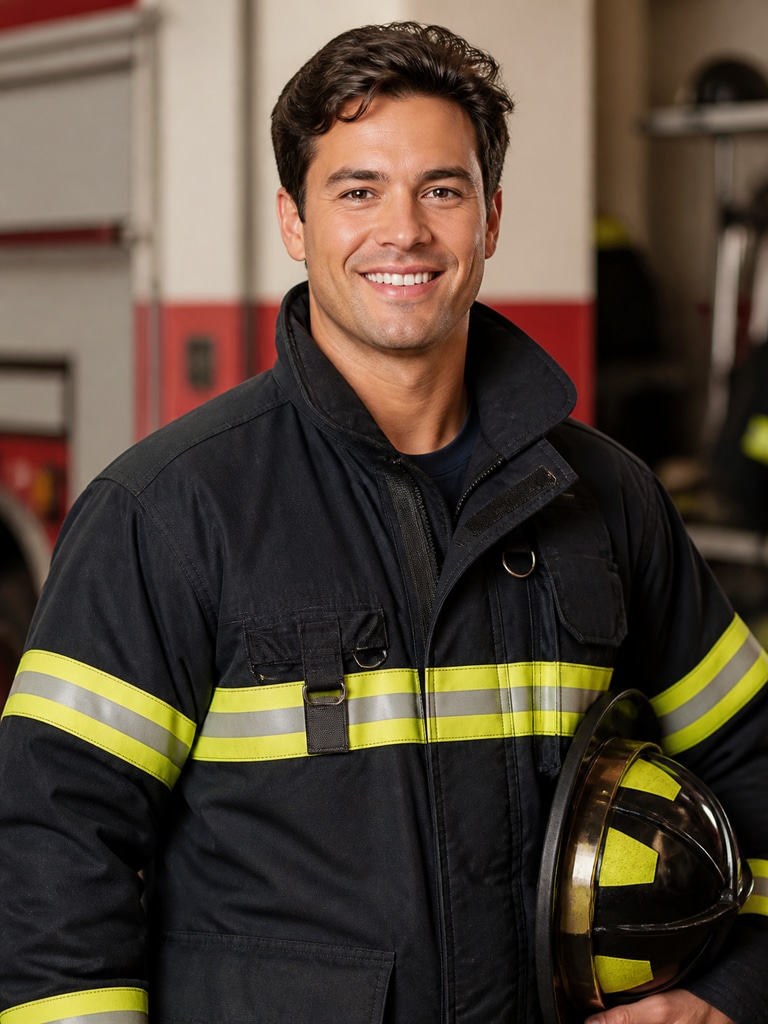
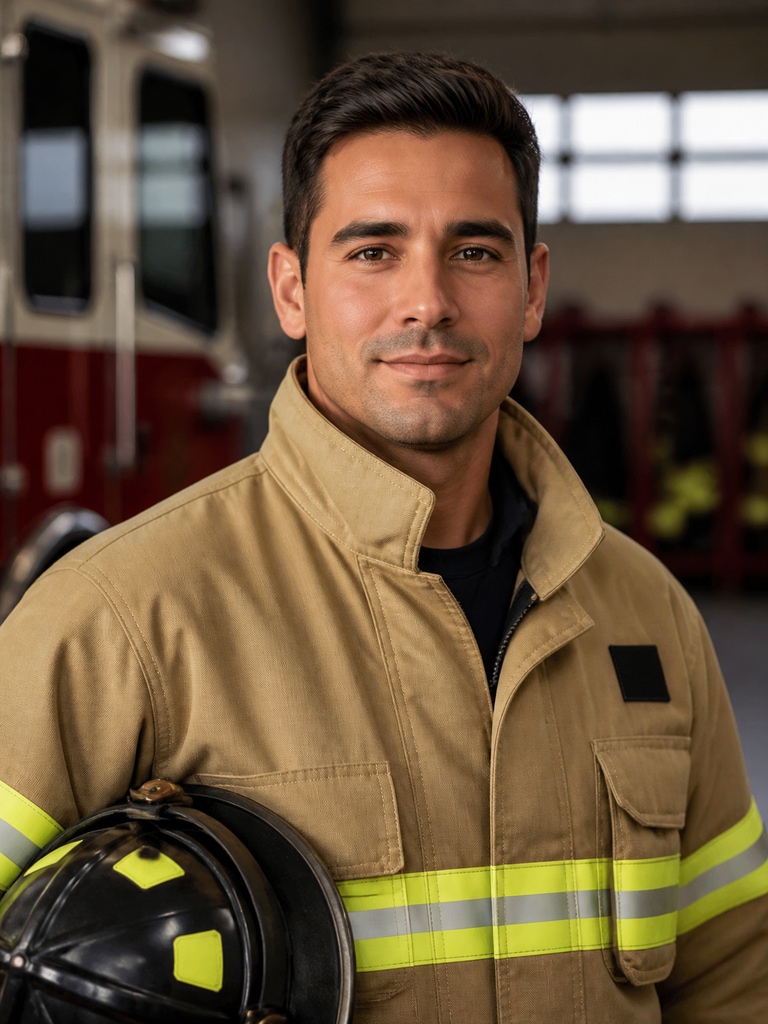
AI firefighter headshot for a volunteer recruit profile with a friendly, confident studio portrait

Volunteer Recruit Profile

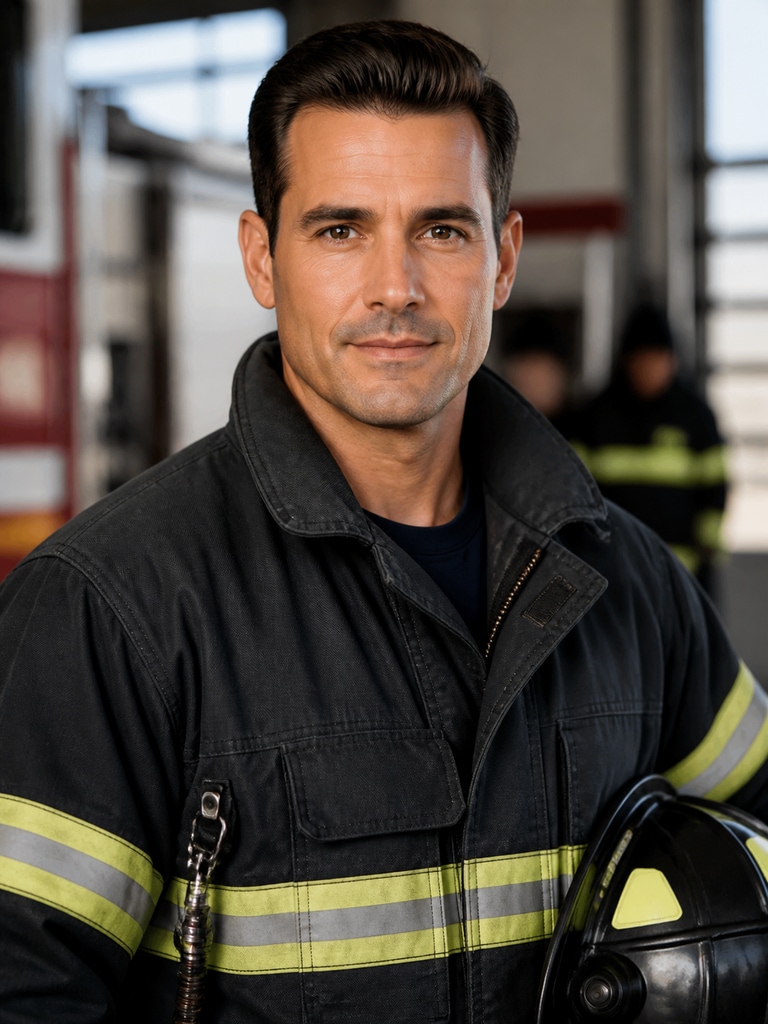
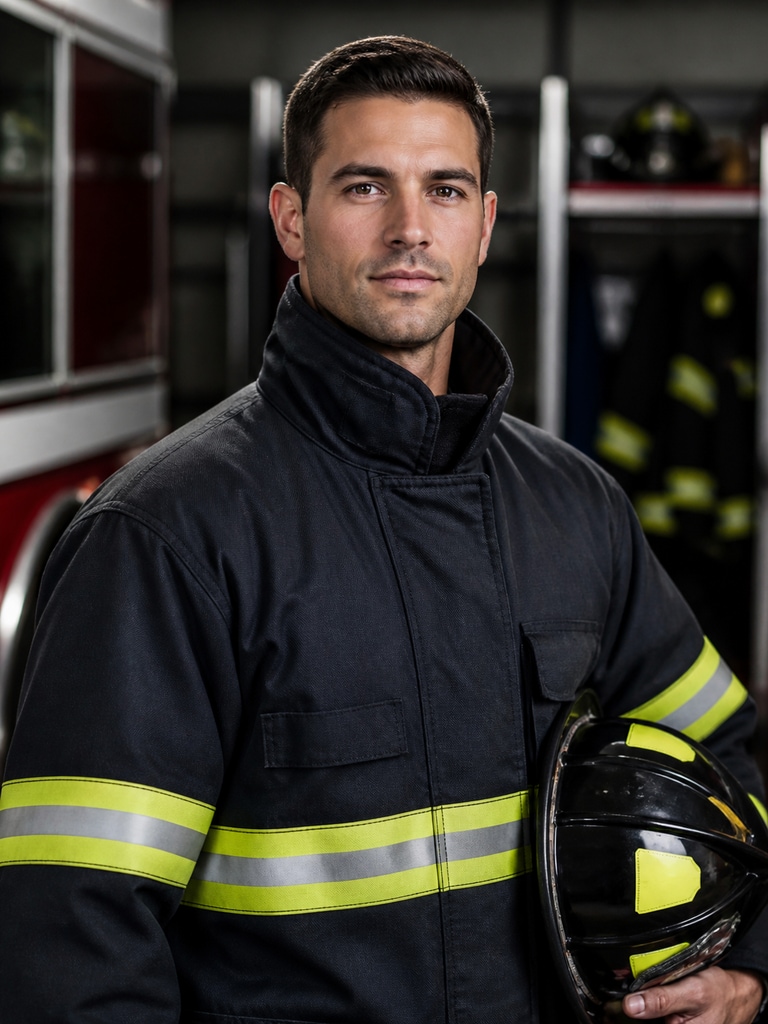
Respectful firefighter headshot for a station directory with a clean uniform and neutral background

Station Directory Portrait

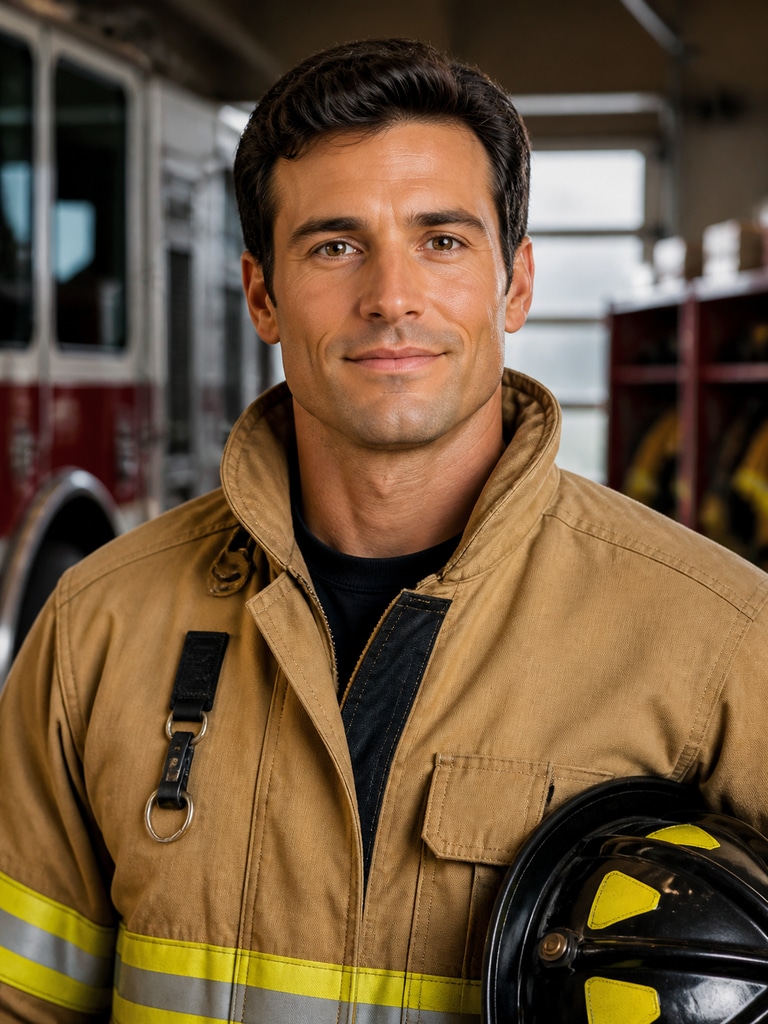
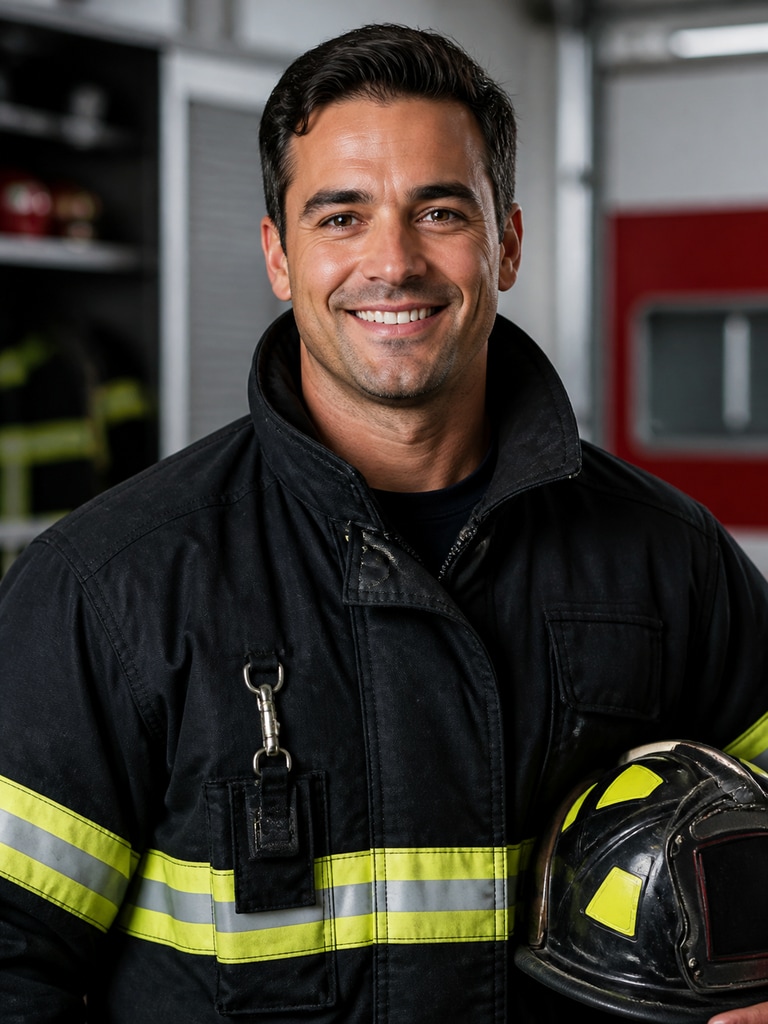
Professional firefighter portrait for a recruitment campaign with strong lighting and department-ready styling

Recruitment Campaign Visual

Fictional firefighter headshot for a public safety biography with a polished and trustworthy appearance

Public Safety Bio Image

AI-generated firefighter headshot for a training program profile with a focused, professional expression

Training Program Profile

Firefighter headshot for a community outreach speaker card with a warm, approachable presentation

Community Outreach Speaker Card

Why Teams Use Media.io for Firefighter Portraits

Fire departments need visuals that feel credible, respectful, and easy to reuse across many touchpoints. Media.io makes it simple to generate firefighter headshots that work for directories, hiring pages, bio sections, and outreach campaigns. The result is a consistent visual style that supports trust without looking generic or overproduced. It is a practical fit for teams that want fast results and a polished public-facing image.

Built for Department Credibility

Your audience is looking for a professional image that supports trust at first glance. Media.io helps create firefighter portraits with a clean, composed look that suits department websites and staff listings. The style stays respectful and presentation-ready, which matters for public safety branding. That makes it easier to use the same visual across pages, flyers, and digital profiles.

Useful Across Recruitment and Outreach

A strong firefighter headshot can do more than fill a profile box. It can support hiring pages, event handouts, community safety announcements, and campaign graphics. Media.io gives you a flexible way to match different use cases without redesigning from scratch. That saves time for communications teams and keeps the brand message consistent.

Consistent Look Across Staff Profiles

Many departments need portraits that feel unified even when they are used in different formats. Media.io can help you create a consistent visual tone for officers, recruits, trainers, and community liaisons. That makes directory pages and team bios look organized and trustworthy. It also helps smaller teams present a more polished public presence.

Fast Results for Busy Teams

Fire departments often work under tight deadlines and changing priorities. Media.io is designed to help you move from idea to usable headshot quickly, without extra production overhead. You can test different looks for station pages, campaign materials, and presentation slides in less time. That speed makes it easier to support both internal needs and public-facing projects.

How to Make a Firefighter Headshot in Minutes

01

Choose the Profile Type

Start with the use case you need, such as a department bio, recruiting card, outreach graphic, or training profile. That helps you shape the look and feel before generating the image. A clear goal usually leads to a more useful result.

02

Describe the Look You Want

Add details like studio lighting, station-ready styling, turnout gear accents, or a neutral background. You can keep it formal for a staff directory or make it warmer for community engagement materials. The more specific the prompt, the more useful the headshot becomes.

03

Generate, Refine, and Reuse

Use Media.io to generate a firefighter portrait, then adjust the style until it fits the page or campaign. Save the result for department websites, bios, flyers, and social content.

What Fire Service Teams Like Most

user
Megan R.

Recruitment Manager

starstarstarstarstar

"Great For Hiring Pages" We needed firefighter headshots for a recruiting page and several department bios. Media.io made it easy to get a consistent look without waiting on a full photo session. The portraits feel professional and respectful, which matters for our audience. It saved our team a lot of back-and-forth.

user
Carlos D.

Public Information Officer

starstarstarstarstar

"Strong Fit For Outreach" Our outreach materials needed a more polished visual style. The AI firefighter headshots looked credible on flyers, event slides, and web pages. I also liked that the results were easy to align with our department tone. It helped the whole campaign feel more cohesive.

user
Tina S.

Training Coordinator

starstarstarstarstar

"Useful For Staff Profiles" We used the portraits for training program profiles and internal directory updates. The process was quick, and the results looked clean on both desktop and mobile. That made it easier for our staff to present a unified professional image. It was especially helpful for new team members.

user
Jordan P.

Station Captain

starstarstarstarstar

"Reliable And Easy To Reuse" I wanted something that could work for the station page, our bio section, and a few community handouts. Media.io delivered a headshot style that felt consistent across every use. The portraits did not look overdone, which is important for public safety branding. It was simple to share with the rest of the team.

user
Elena V.

Community Engagement Lead

starstarstarstarstar

"Better Trust On First View" Community audiences respond well to a clear, approachable firefighter portrait. These images gave our outreach materials a more human and trustworthy feel. They were easy to place in newsletters, event pages, and speaker cards. That made our messaging look more organized and professional.

Teams want visuals that feel credible, quick to produce, and easy to reuse across public-facing materials.

FAQ

1. What is an AI firefighter headshot generator used for?
faqfaq

It is used to create professional firefighter portraits for department pages, recruitment materials, public safety bios, and outreach campaigns. The goal is to give fire service teams a respectful visual that feels credible and consistent. It can also help smaller departments present a more polished public image. That makes it useful for both internal profiles and external communications.

Yes, they are well suited for department websites, staff directories, and profile pages. You can create a clean portrait style that fits official-looking placements without needing a full photo shoot. Many teams use them for quick updates or temporary profile needs. They also work well when you want a uniform look across multiple staff members.

Yes, you can tailor the prompt to match the role and the tone you want. That means you can create a recruit-style portrait, a leadership profile, or a training team headshot. The best results come from describing the use case clearly. This helps the image feel relevant to the page where it will appear.

Both can work, depending on the page and audience. Turnout gear can add authenticity for recruitment or station content, while a studio look may feel better for bio pages and directories. The key is to match the portrait to the purpose of the content. A balanced, respectful style usually works best for public-facing use.

Use a straightforward prompt with clear details about posture, clothing, background, and expression. Avoid exaggerated poses or anything that feels theatrical. A neutral background, clean uniform styling, and calm expression usually produce the most dependable result. That keeps the portrait appropriate for public safety branding.

Yes, recruitment campaigns are one of the strongest use cases for this type of image. A polished firefighter headshot can help the campaign feel approachable, capable, and trustworthy. It can be used on landing pages, event flyers, social graphics, and hiring materials. That gives your outreach a consistent visual identity.

Yes, they can work very well for outreach materials when you want a friendly but professional look. The image can support public education pages, event promotions, and speaker cards. A clear portrait helps audiences connect the message to a real department presence. That often improves engagement and recognition.

Yes, and that is one of the biggest advantages. You can keep the same visual tone across recruit pages, leadership bios, and staff directories. A consistent style helps the department look organized and trustworthy. It also saves time when you need to update multiple profiles at once.

Media.io Online AI Tools Quality Rating:
vote 4.7 (162,357 Votes)



